Prompt
Template 1 of 3A cinematic close-up of rain rolling across a city window at blue hour, natural reflections, a slow camera push, subtle traffic movement, realistic depth of field.
Create a short scene from text or a still image. Direct the movement, choose your frame and duration, and add optional audio before previewing the result.
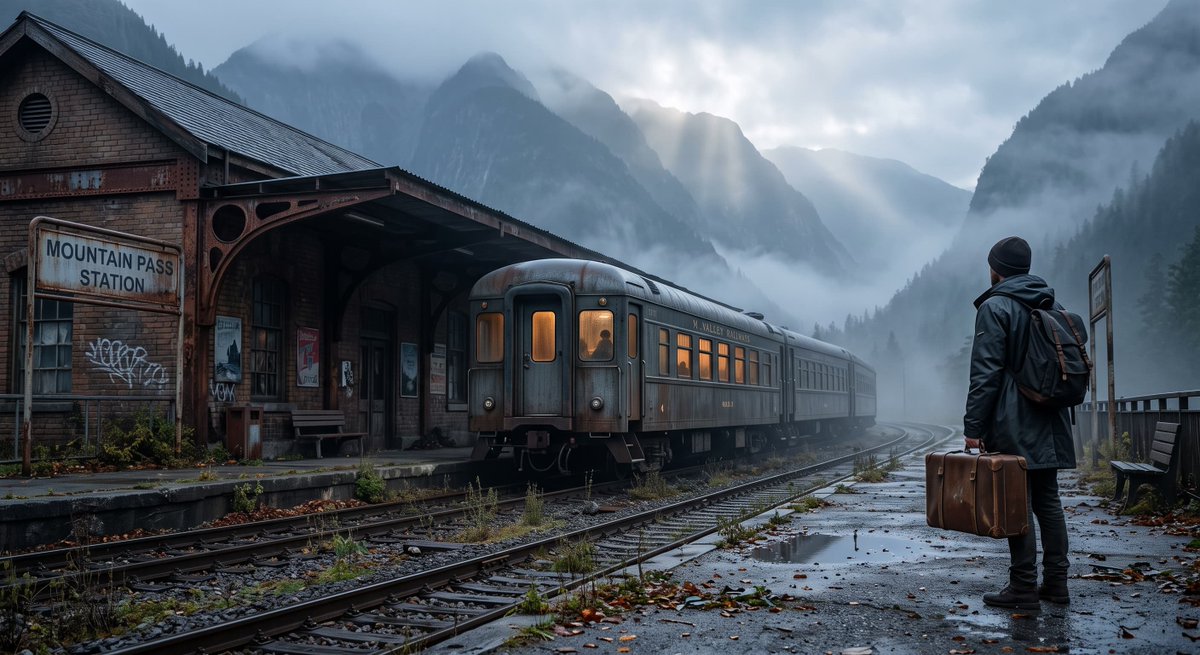
Describe a subject, setting, and action to explore a new scene. Already have a composition? Give the realistic AI video maker a starting image and explain what should move within it.
Set Up a Video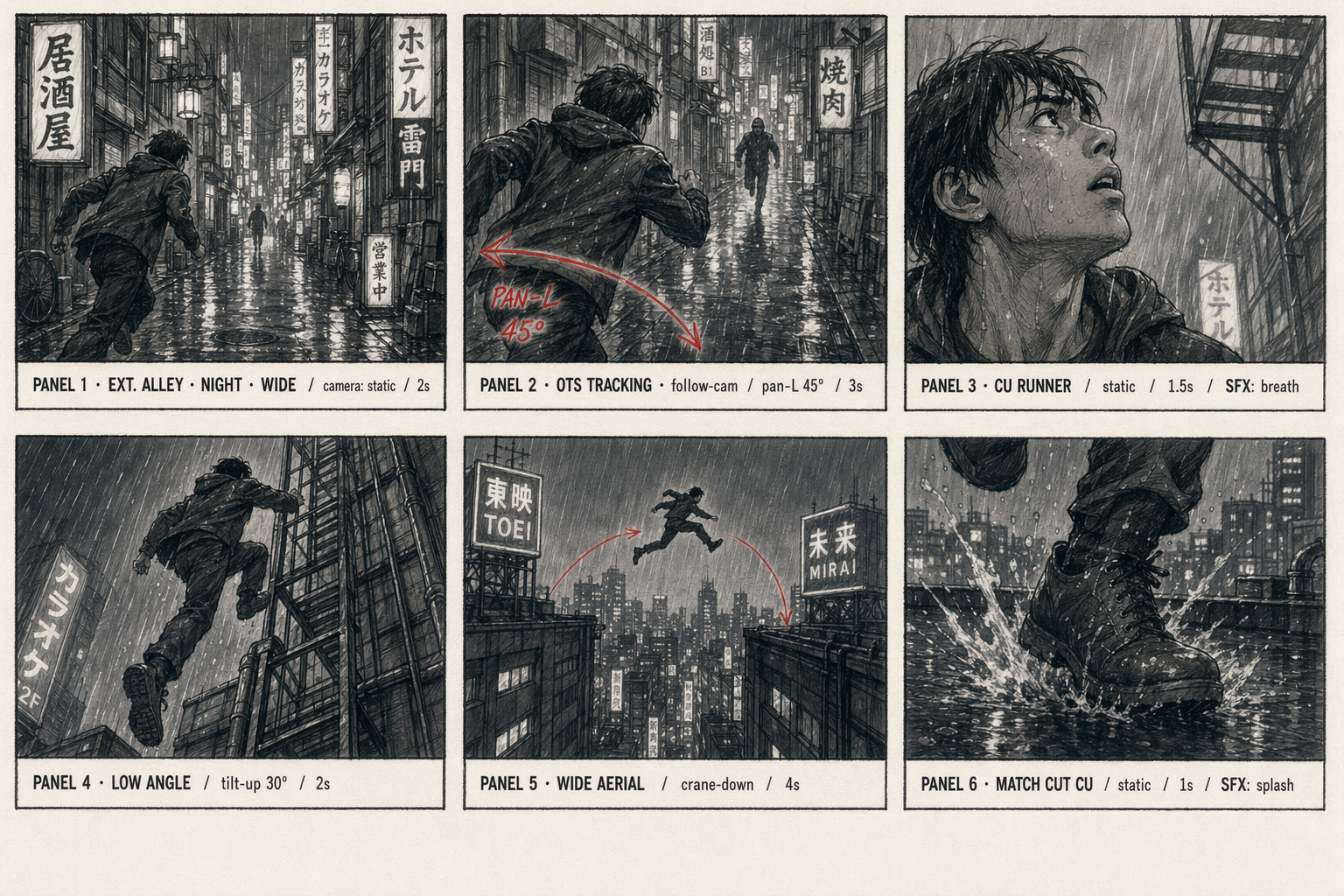
Choose a wide, vertical, or square frame, then set the duration and resolution. Describe camera movement separately from subject movement: a person can walk through the scene while the camera stays still.
Choose Video Settings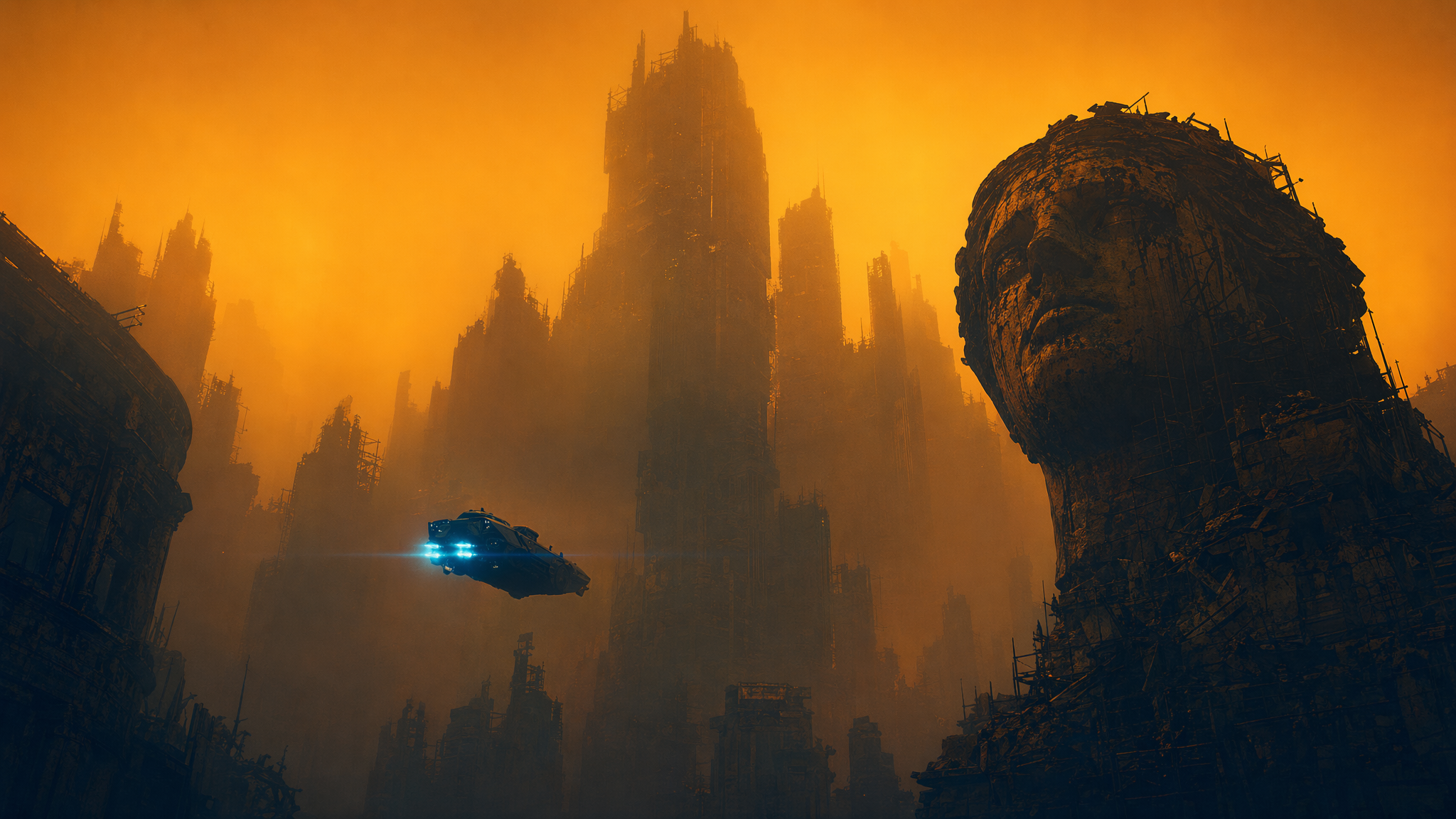
Watch successful clips in My work before downloading. Check faces, moving hands, lighting, and reflections for consistency. Refine one instruction at a time when the next version needs a calmer camera or simpler action.
Create a Realistic Video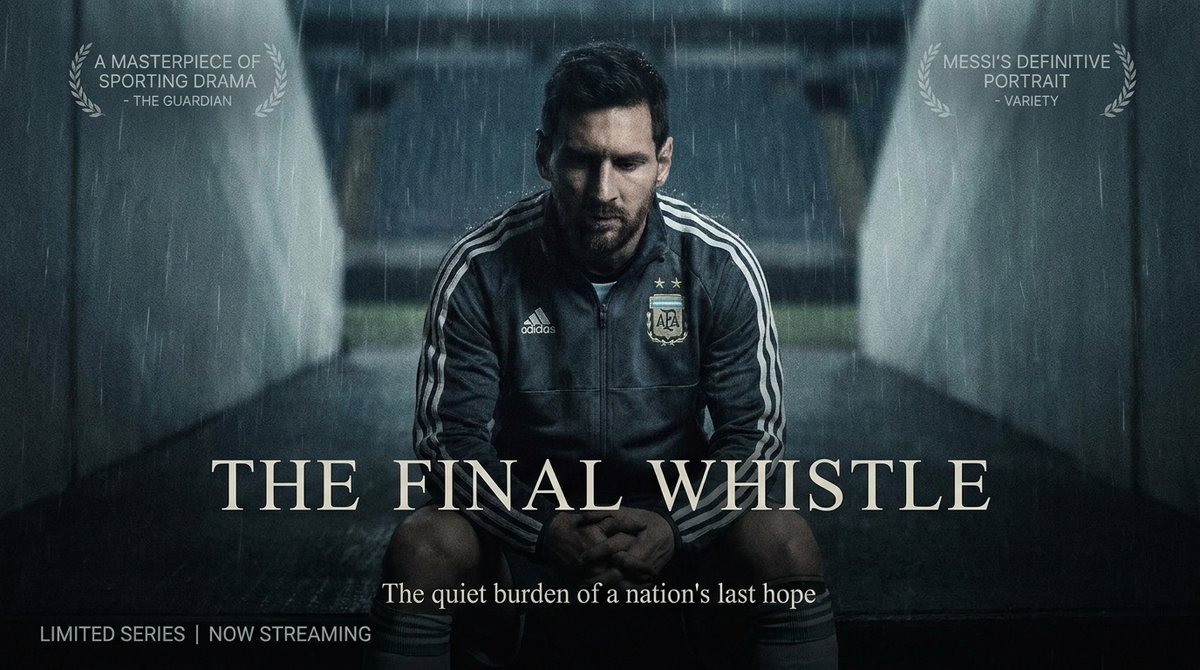
A runner pauses and looks toward the trail ahead. For a social story, frame that single action vertically and describe soft morning light with restrained camera movement.
Write the subject, setting, action, light, and camera direction. Focus the prompt on one scene you want to see in motion.
Add an optional starting image. Choose aspect ratio, duration, resolution, and whether to generate audio, then check your settings.
Submit the scene and follow progress in My work. Preview the successful result, check motion and continuity, then download your clip.
Describe a visible scene with one main action. For example: "A ceramic cup sits beside a kitchen window. Steam rises slowly as the camera moves closer in soft morning light." The realistic AI video generator accepts up to 2,000 characters. Keep lighting and movement consistent with the scene, then review anatomy and continuity in the output. A realistic visual style does not mean the video records an actual event.
Use text-to-video to describe a new scene. Choose image-to-video when a photo or concept image already establishes the subject and composition. Both paths require a prompt; with an image, explain what changes over time rather than contradicting the source. The realistic AI video maker accepts one JPG, PNG, or WebP starting image up to 10 MB.
The realistic AI video generator offers 16:9, 9:16, and 1:1 frames; 5, 10, and 15 second durations; and 480p or 720p resolution. Wide frames give surroundings more space; vertical frames suit tall subjects. Match the duration to the action. For several shots, captions, or transitions, download your clips and assemble them in your usual video editor.
Yes. Enable Generate audio before submitting the scene to include generated sound. Leave it off if you plan to add an existing soundtrack. Preview the sound and picture together to check their timing and mood. You can do further soundtrack assembly in your editing workflow after downloading the video.
Open My work to follow the current task and preview a successful result. After a refresh, the workspace can restore the current generation and continue checking progress. Check its status before resubmitting the same scene. Download clips you want to keep, and save your prompt alongside them if you plan to compare variations.

Start with text or a still image in the realistic AI video generator, then direct the movement.
Create a Realistic AI Video