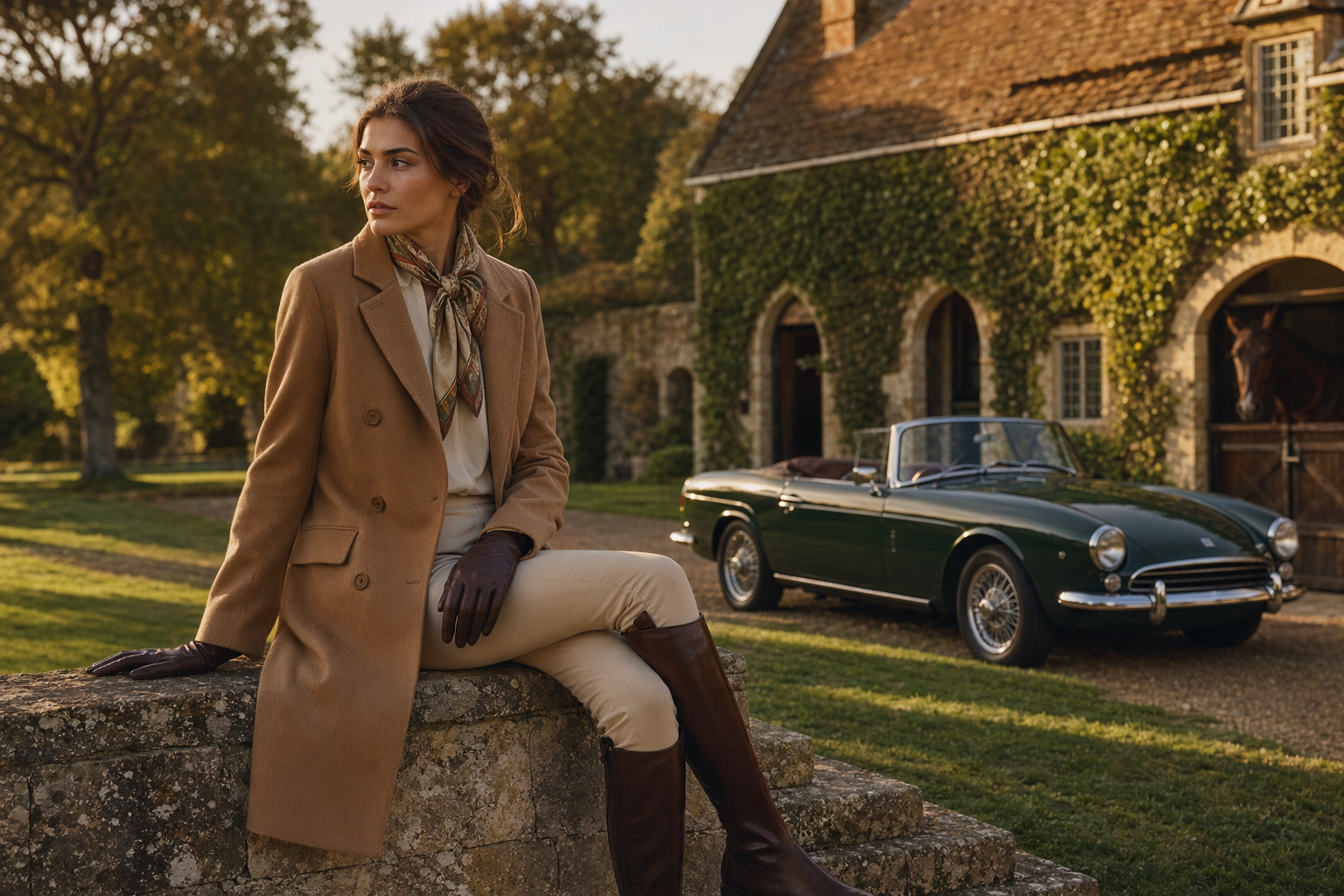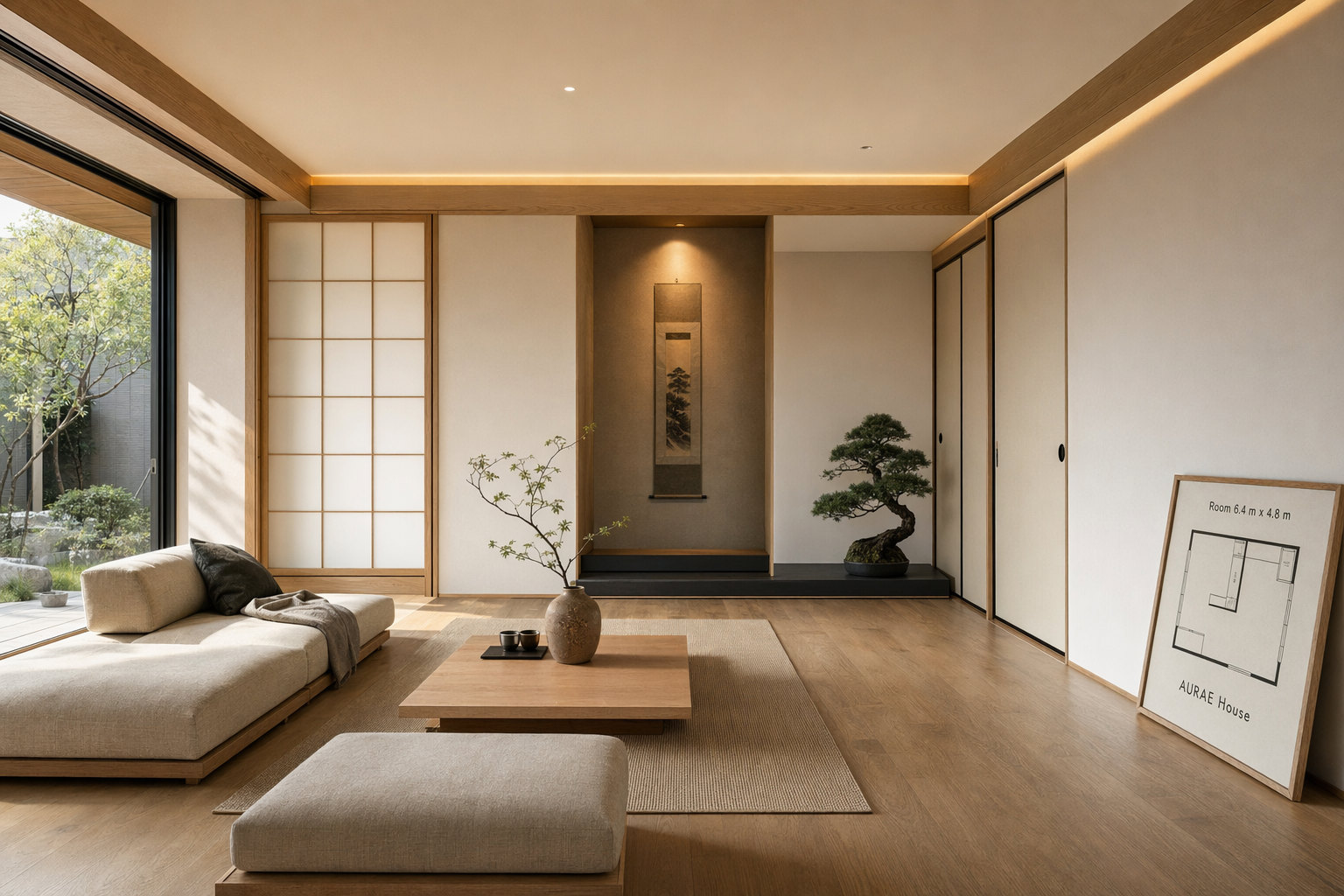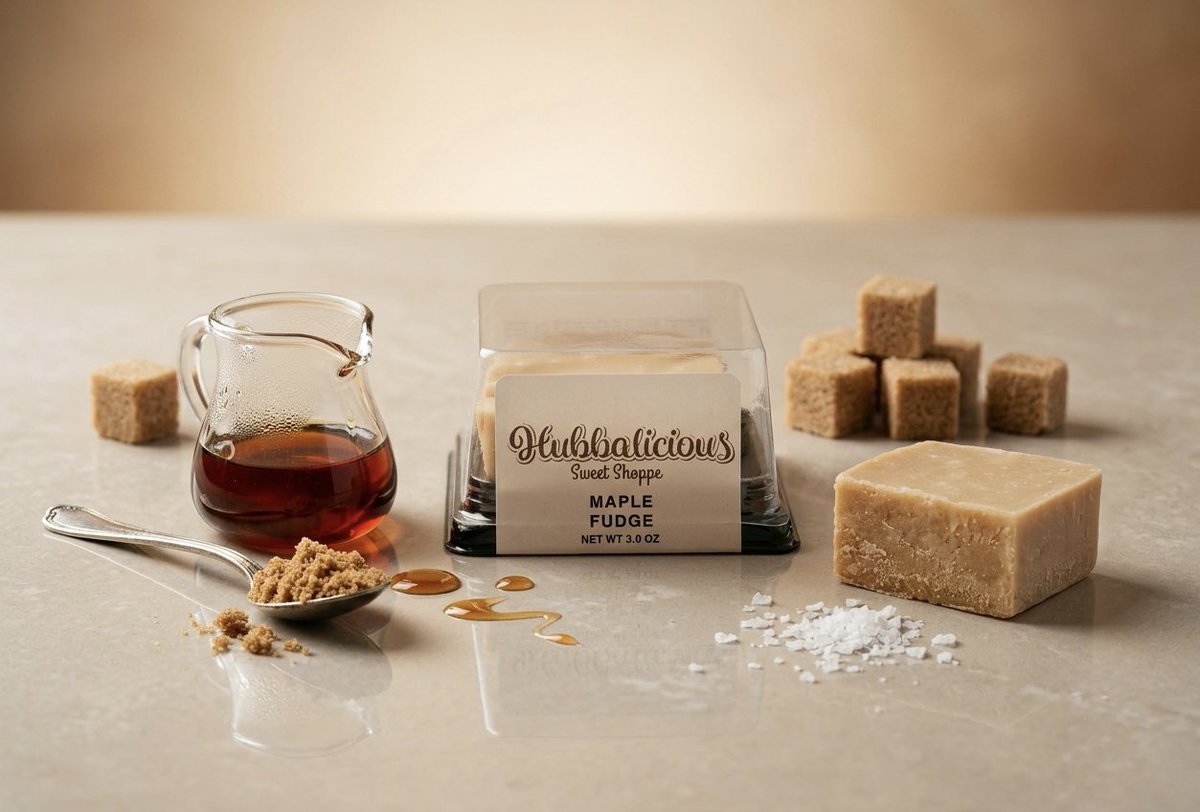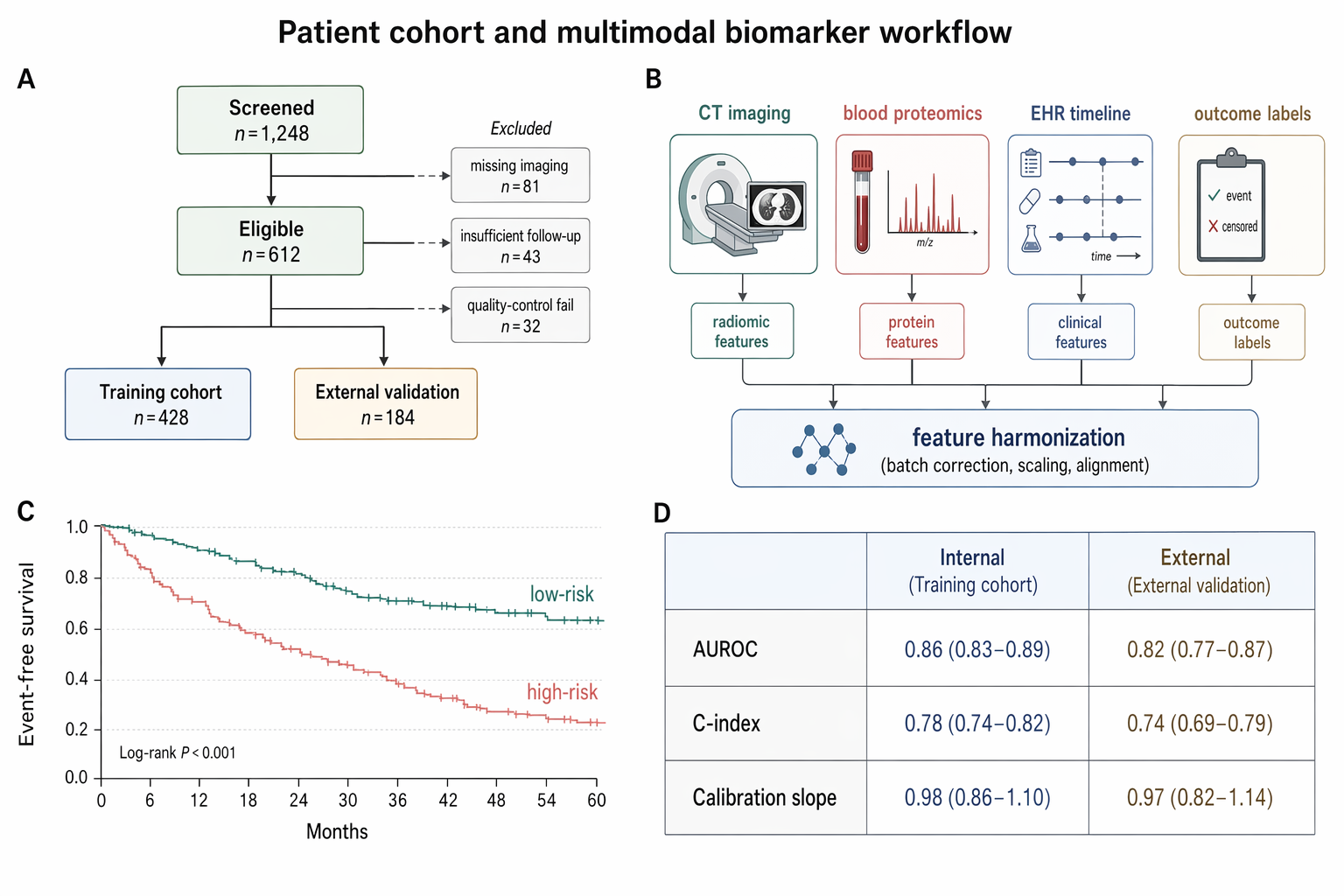
Prompt
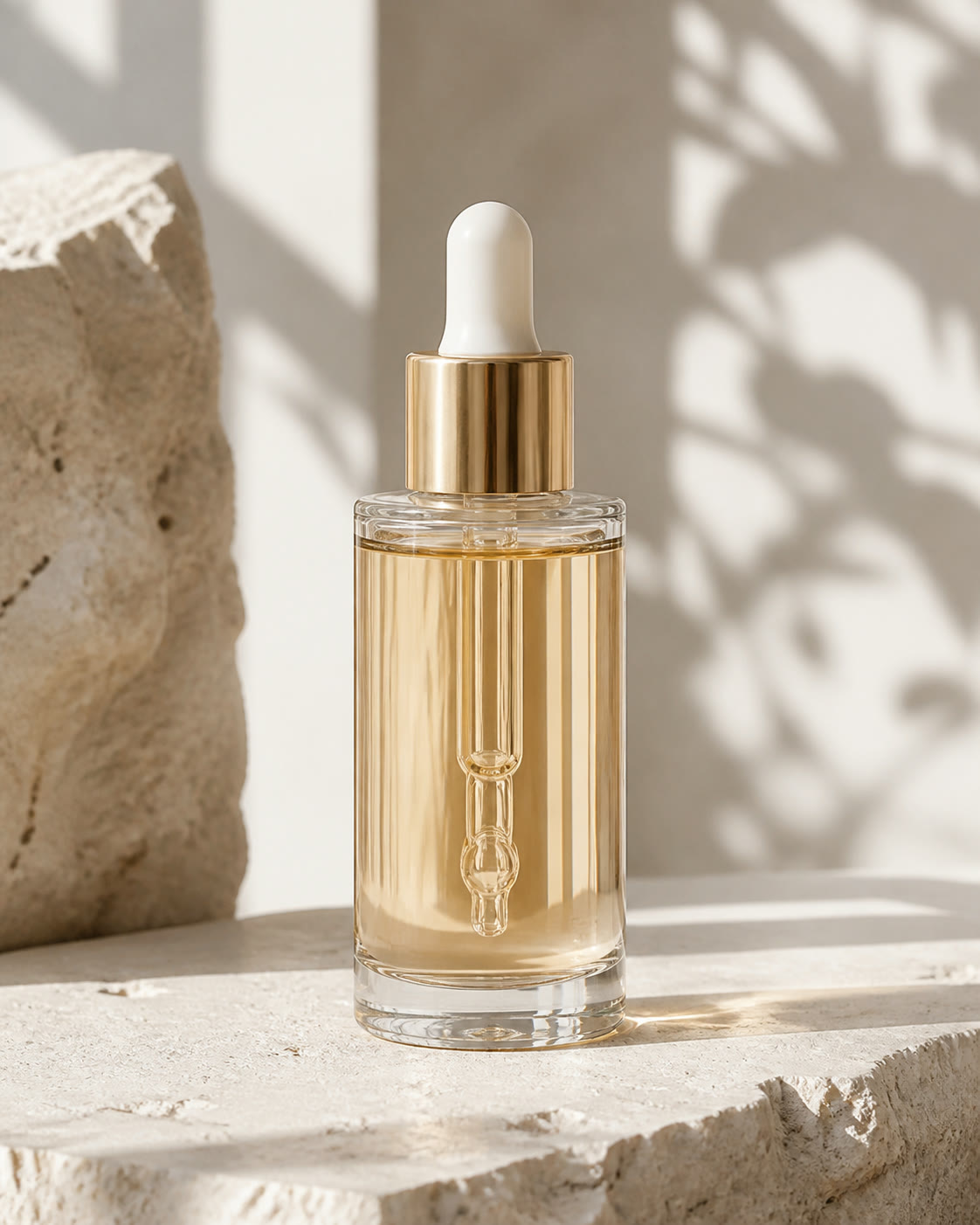
Template 1 of 3Place the supplied label on a premium amber skincare bottle, centered and proportionally scaled, with realistic glass reflections and a warm stone studio surface.
Use the AI Mockup Generator to combine a product image with separate artwork. Choose the product context, describe the placement, and generate a concept for design review.
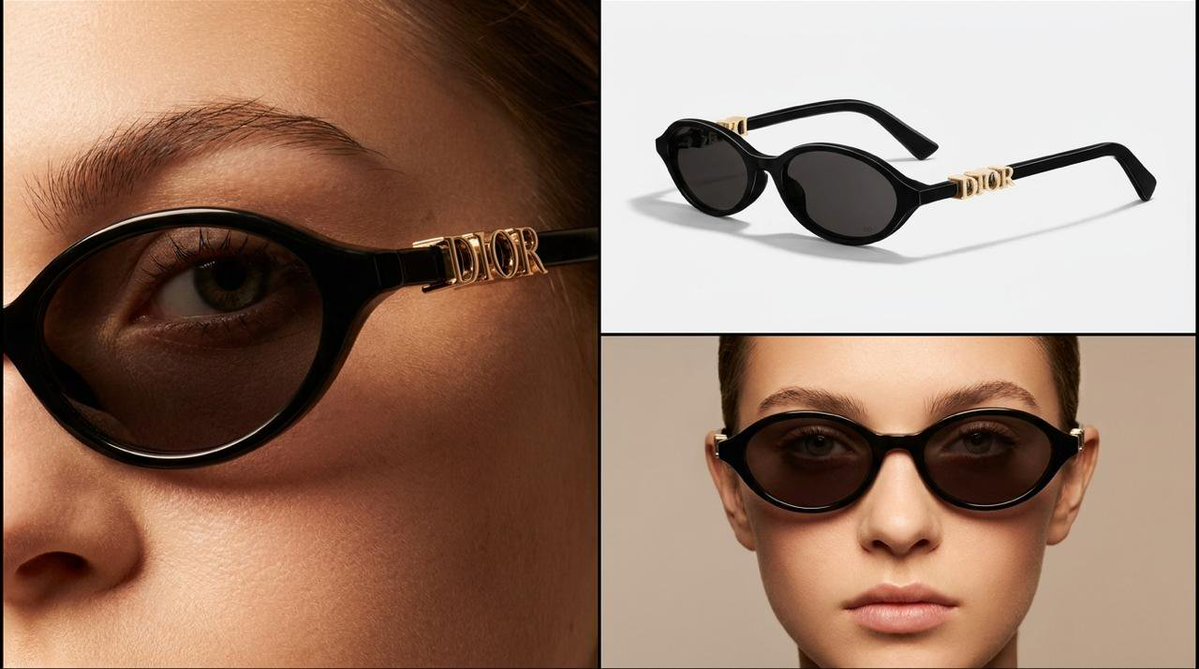
Upload the base product and artwork separately. The product photo supplies the package, garment, or object shape; the second image supplies the logo, label, or graphic. For a coffee bag, use one clear bag photo and one label file. The AI Mockup Generator keeps those input roles distinct.
Add Your Images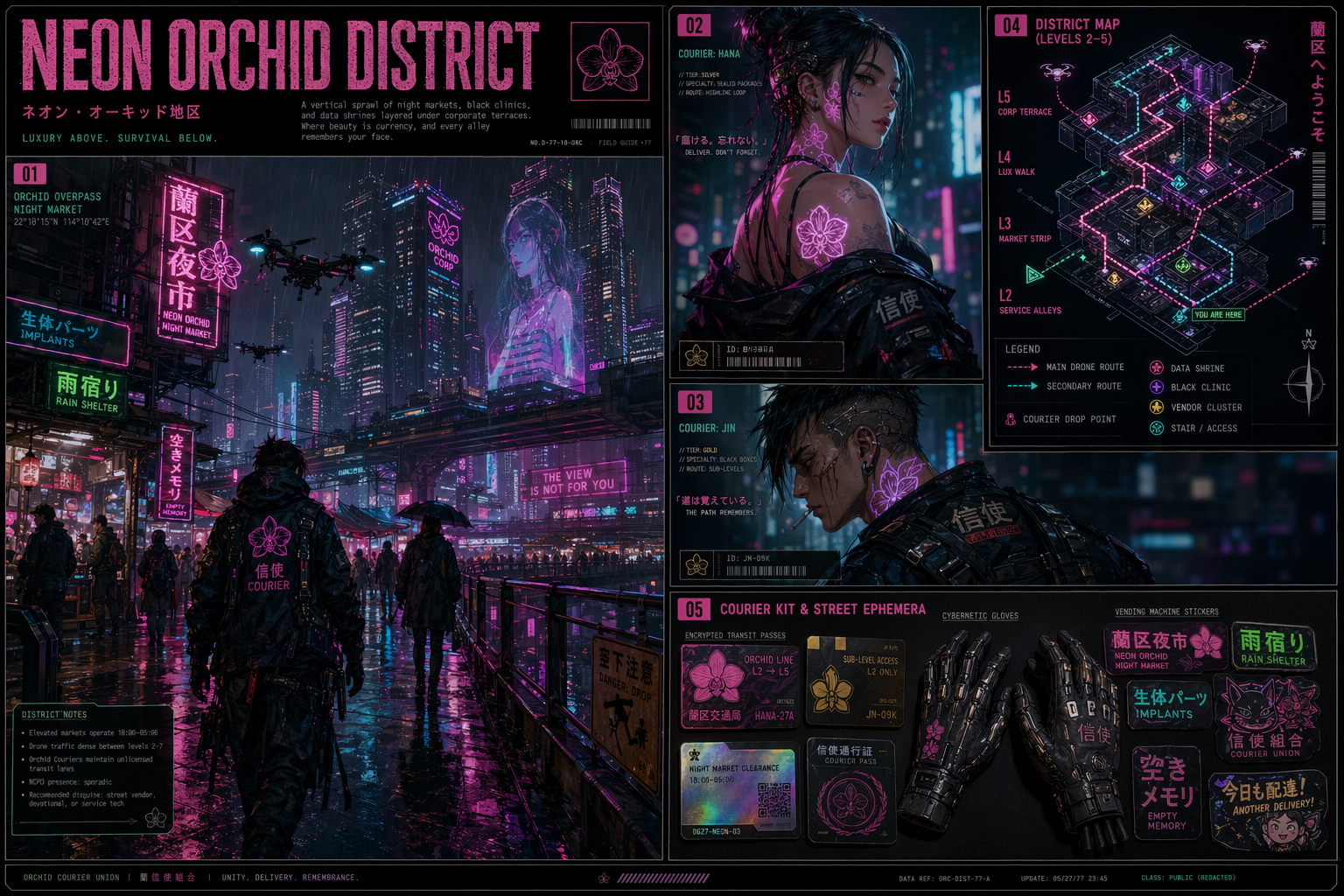
Describe the surface, relative size, and placement you want to explore, such as a centered logo on a notebook or a label on a box front. The AI mockup maker combines that focused instruction with a packaging, apparel, merchandise, or lifestyle context to interpret where the artwork belongs.
Describe the Mockup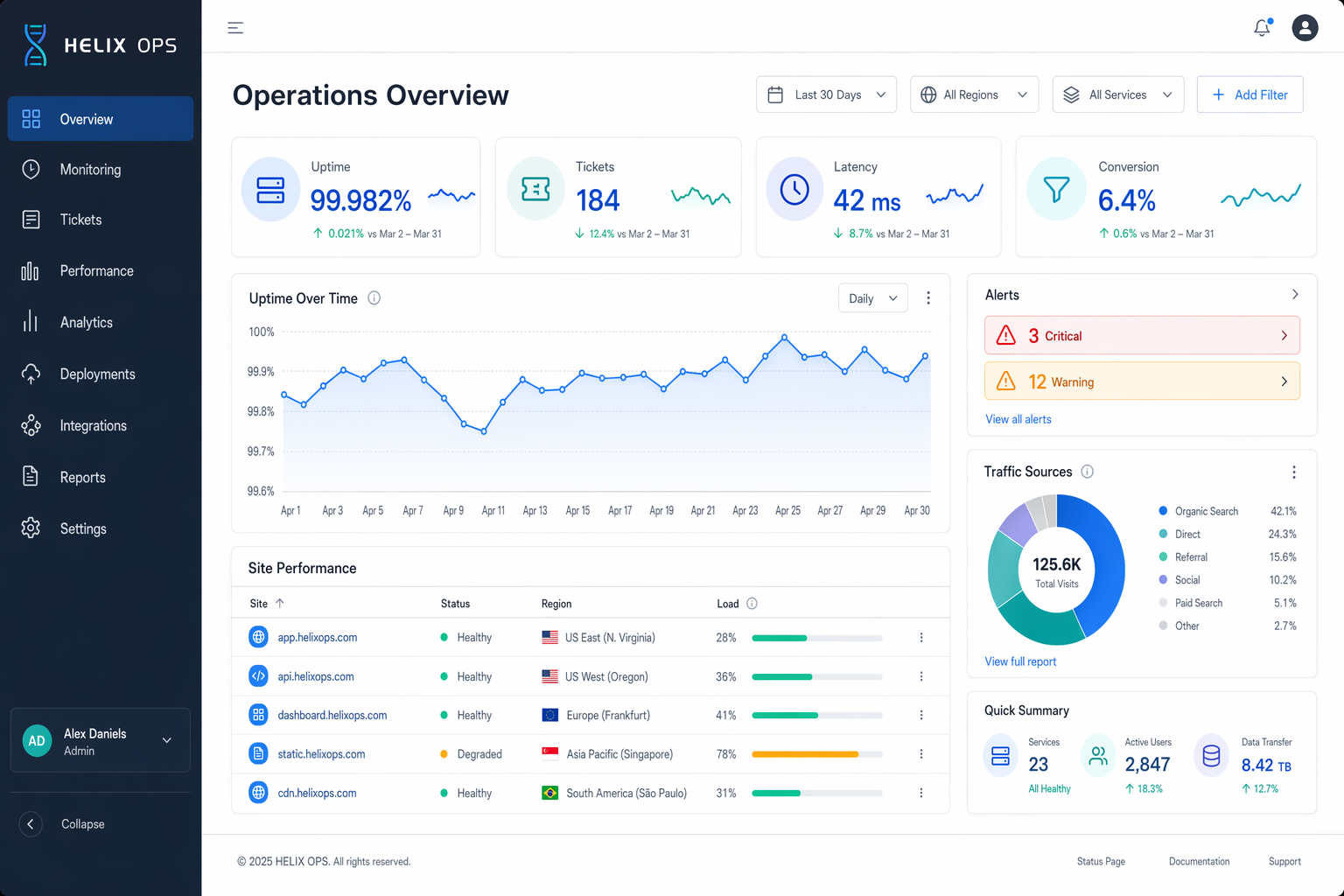
Match the image shape to the review context: a square frame can suit product comparisons, while a wide frame leaves presentation space. Choose an aspect ratio and 1K, 2K, or 4K resolution, then inspect the completed result at full viewing size before sharing it.
Generate a Mockup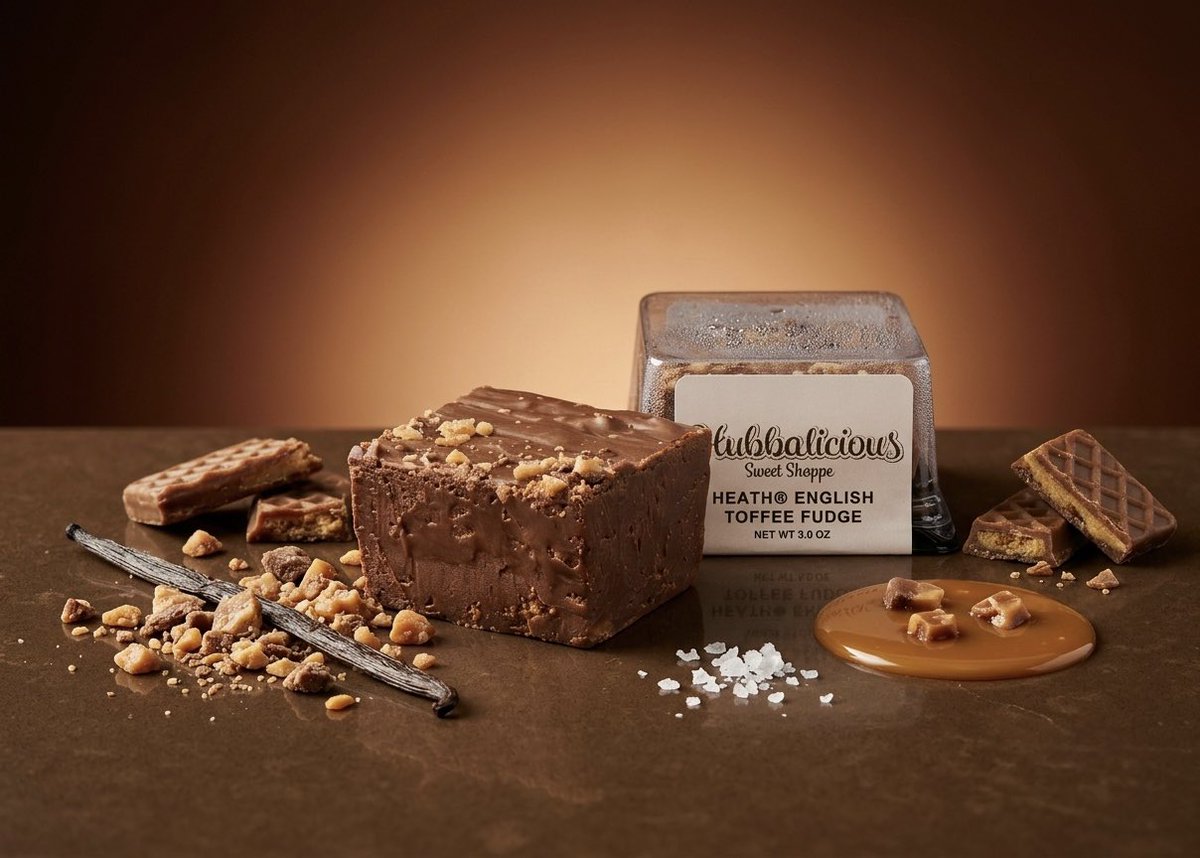
Combine a blank carton photo with a proposed label and place the artwork on the main front panel. Use the AI mockup maker result to discuss scale, contrast, and surrounding space before producing a separate print layout or physical sample. Treat it as a presentation concept, not manufacturing proof.
Upload the base product and artwork in their labeled fields. Each image must be JPG, PNG, or WebP and no larger than 10 MB. Choose a product view that exposes the target surface and artwork with clearly readable edges. Replace a blurry source before asking the generator to interpret small details. These two files give the AI Mockup Generator a clear object and a clear design source.
Select the context that fits the object, then describe the design location and relative scale. For example: place the supplied label on the center of the front panel, keep the package upright, and use soft studio lighting. Choose the aspect ratio and resolution, and review the displayed credit cost before starting. In the AI mockup maker, placement instructions should identify the surface, position, and scale.
Generate the image and follow the task in My work. When it is complete, inspect the design at full viewing size, including lettering, edges, shadows, and the shape of the base product. Download a result that supports your brief. If the placement needs adjustment, use a more specific instruction for your next concept. Inspect the AI Mockup Generator output for artwork edges, lettering, shadows, and product shape.
An AI Mockup Generator uses a product photo and separate artwork to create an image of a proposed design application. Here, the product establishes the object and the artwork establishes the design to apply. It is useful when a designer, seller, or marketer needs a concrete visual for an early discussion. The generated image gives you something to assess for placement and presentation before the next production step.
Provide one image of the base product and one image of the artwork, logo, or label. Both are required, in JPG, PNG, or WebP format, with a 10 MB limit per image. A clear view of the intended surface is more useful than a dramatic angle that hides it. For small text or a detailed logo, inspect your source at normal viewing size first so the design is legible before generation. The AI mockup maker needs both files so the object and proposed design remain clearly defined.
Choose packaging for boxes, bags, or other package surfaces; apparel for garments; merchandise for branded objects; or lifestyle for a presentation with a surrounding scene. These choices guide how the product and artwork are interpreted. Use the optional instructions for the specific location and visual direction. For example, a bottle concept can request a front-facing label with enough surrounding space to judge how the design relates to the container. The AI Mockup Generator provides packaging, apparel, merchandise, and lifestyle contexts.
You can select a supported aspect ratio and 1K, 2K, or 4K resolution. Resolution changes the credit cost, which you can review in the workbench. Decide how you will inspect or present the image before choosing: a compact concept review and a large presentation may need different output sizes. Check both the whole composition and small artwork details in the finished preview before downloading a version for review. The AI mockup maker displays supported aspect ratios, resolutions, and the related credit cost.
No. Use the image to assess a visual idea, then confirm production details through your normal design and supplier process. Check exact logo spelling, color references, measurements, printable areas, and material behavior separately. Curved surfaces, folds, and fine lettering deserve particular attention in the generated preview. An attractive concept can help explain your intention, but it does not establish that the same artwork is ready for a particular printing or manufacturing method. Treat every AI Mockup Generator result as a review concept rather than a production proof.
Use the AI Mockup Generator with one product image, one artwork file, and a clear placement decision. Generate a concept you can inspect and discuss with your team.
Start with the AI Mockup Maker