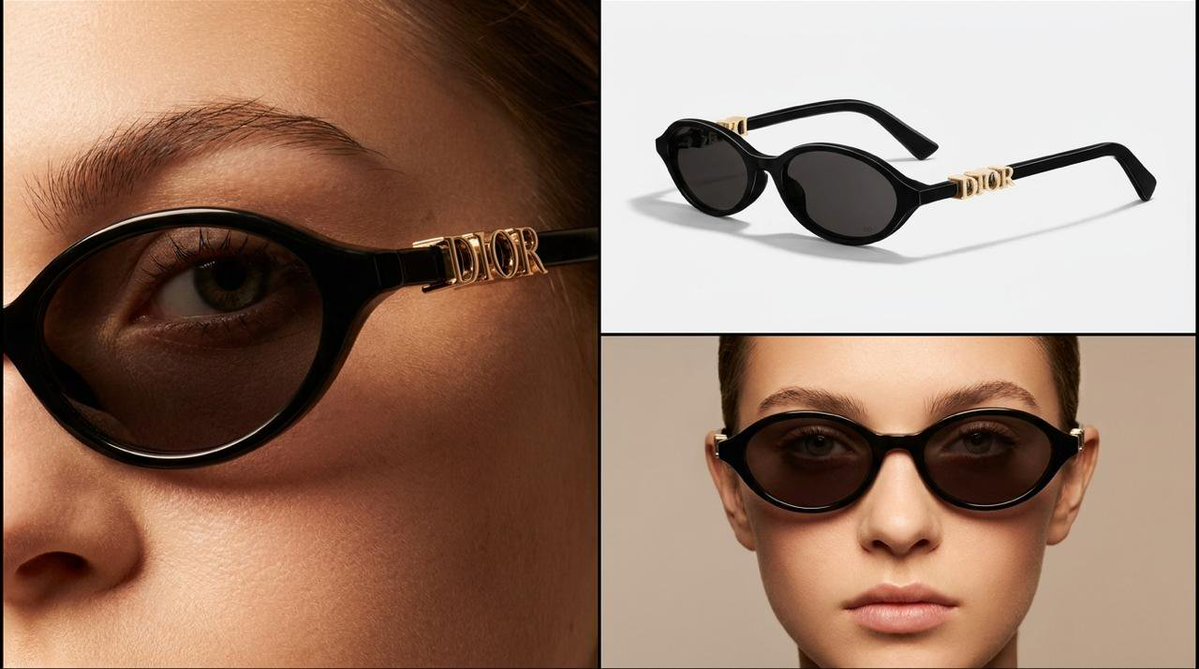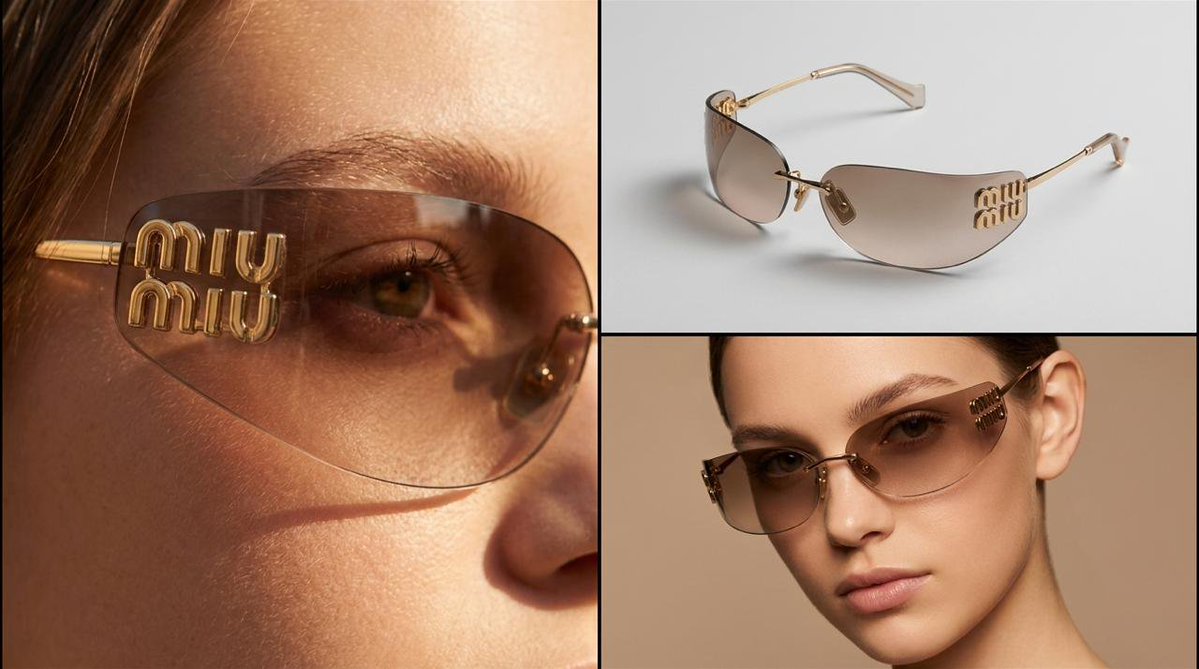
AI Product Image Generator

Create a new product visual from a written direction, with optional reference photos to guide the subject, style, and composition.

Workbench view

See Product Ideas Come to Life

See how a simple product photo and a focused prompt become a polished, launch-ready product image.

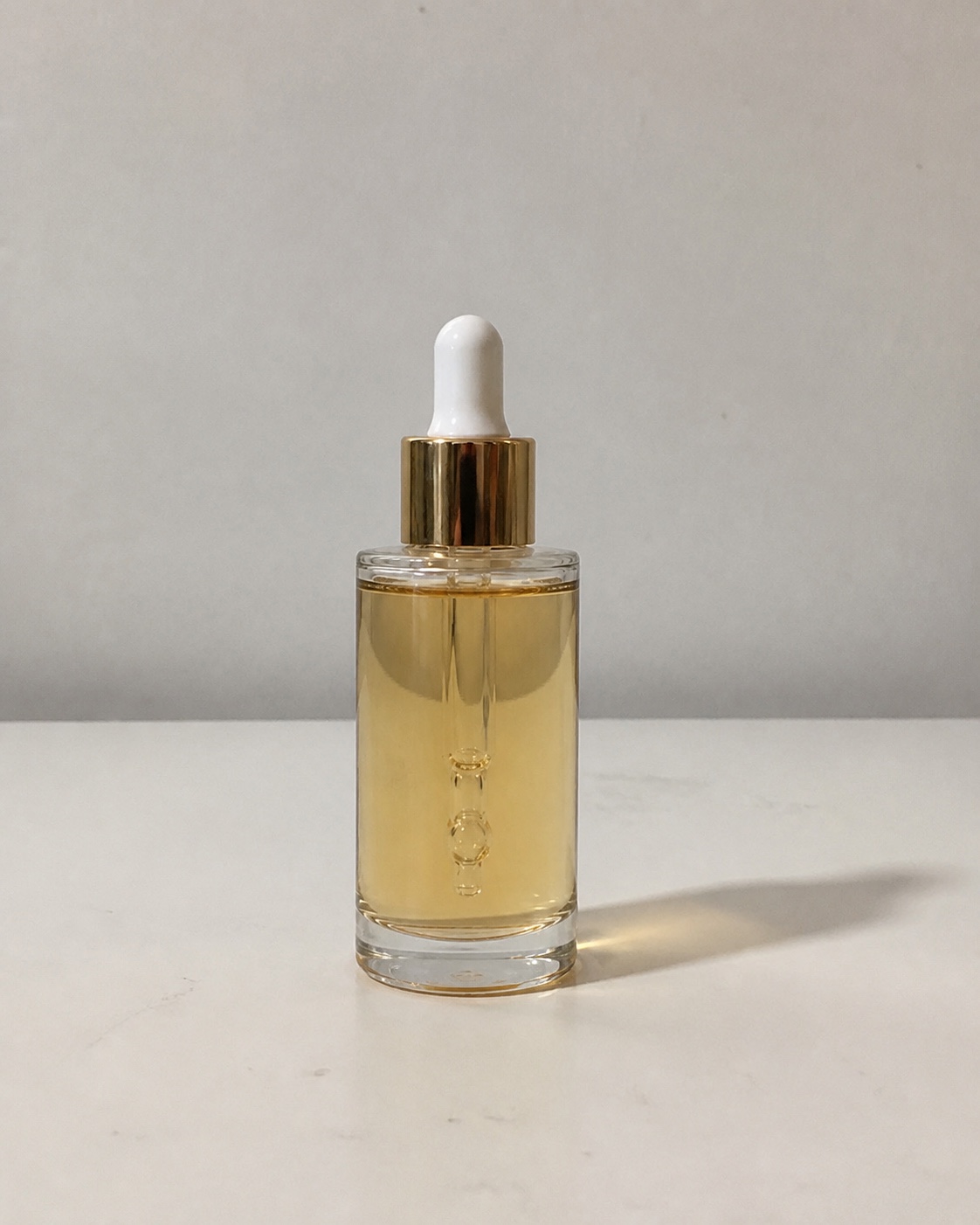
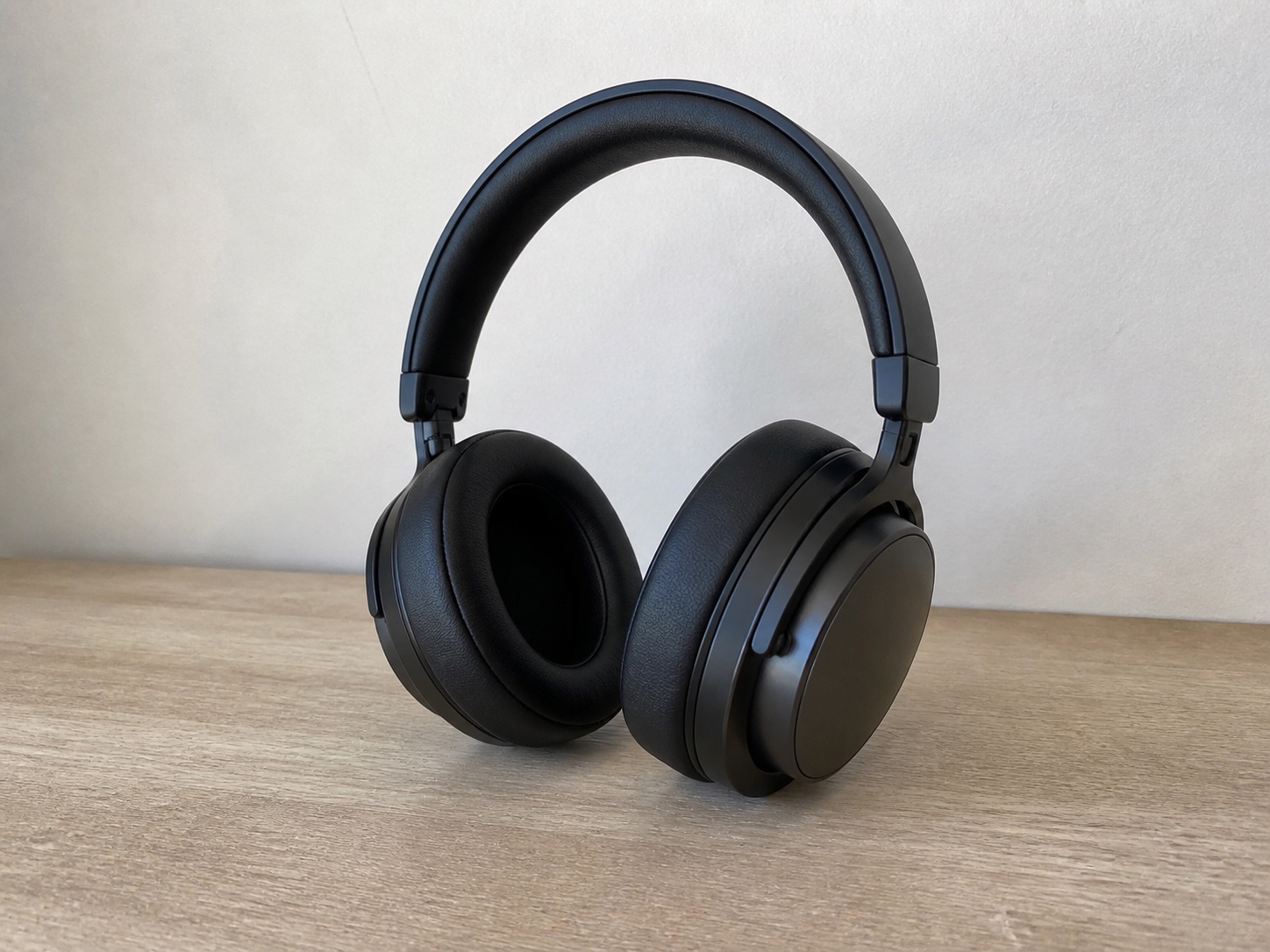
Original product photo for image transformation example 1
Original photo

Prompt

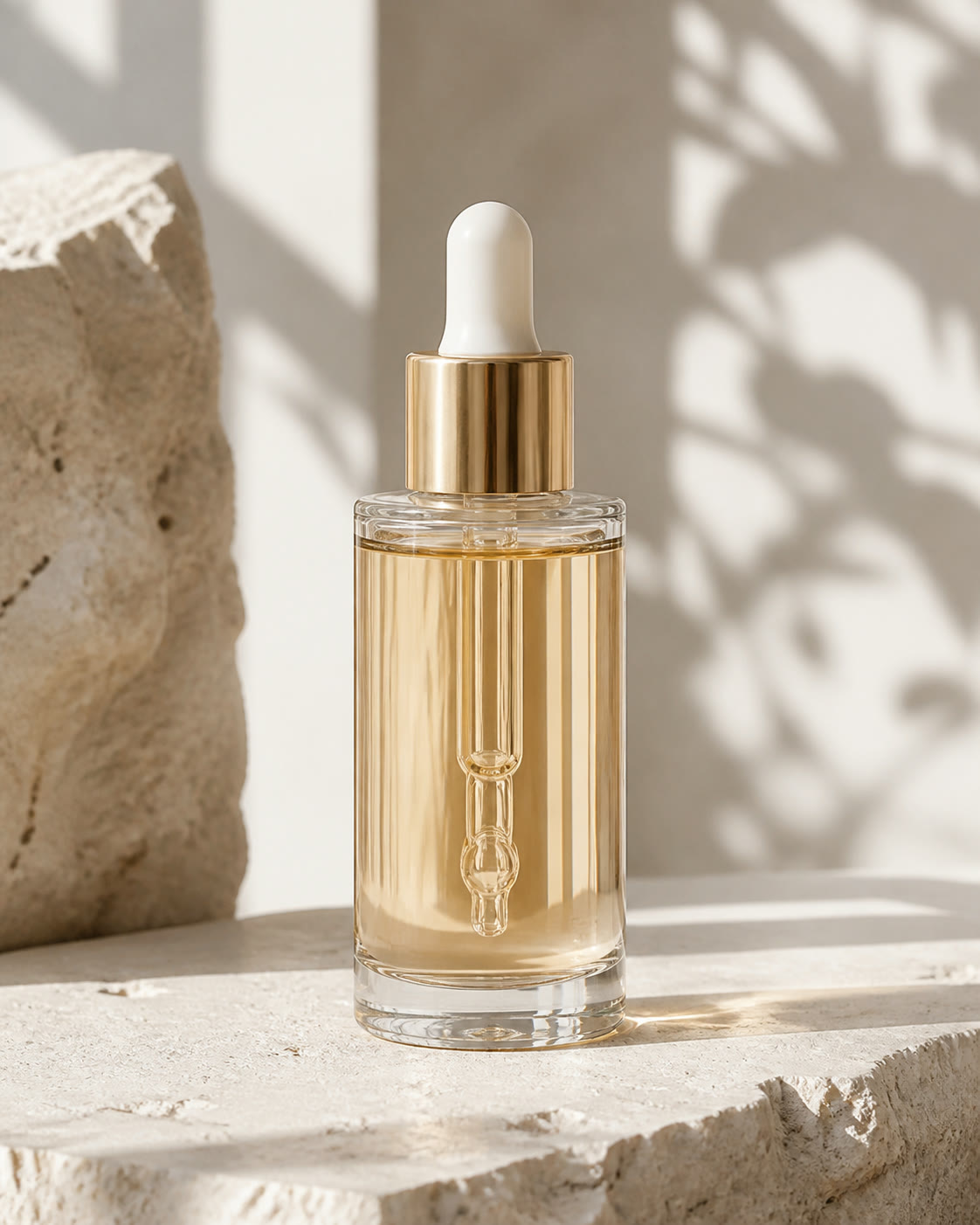
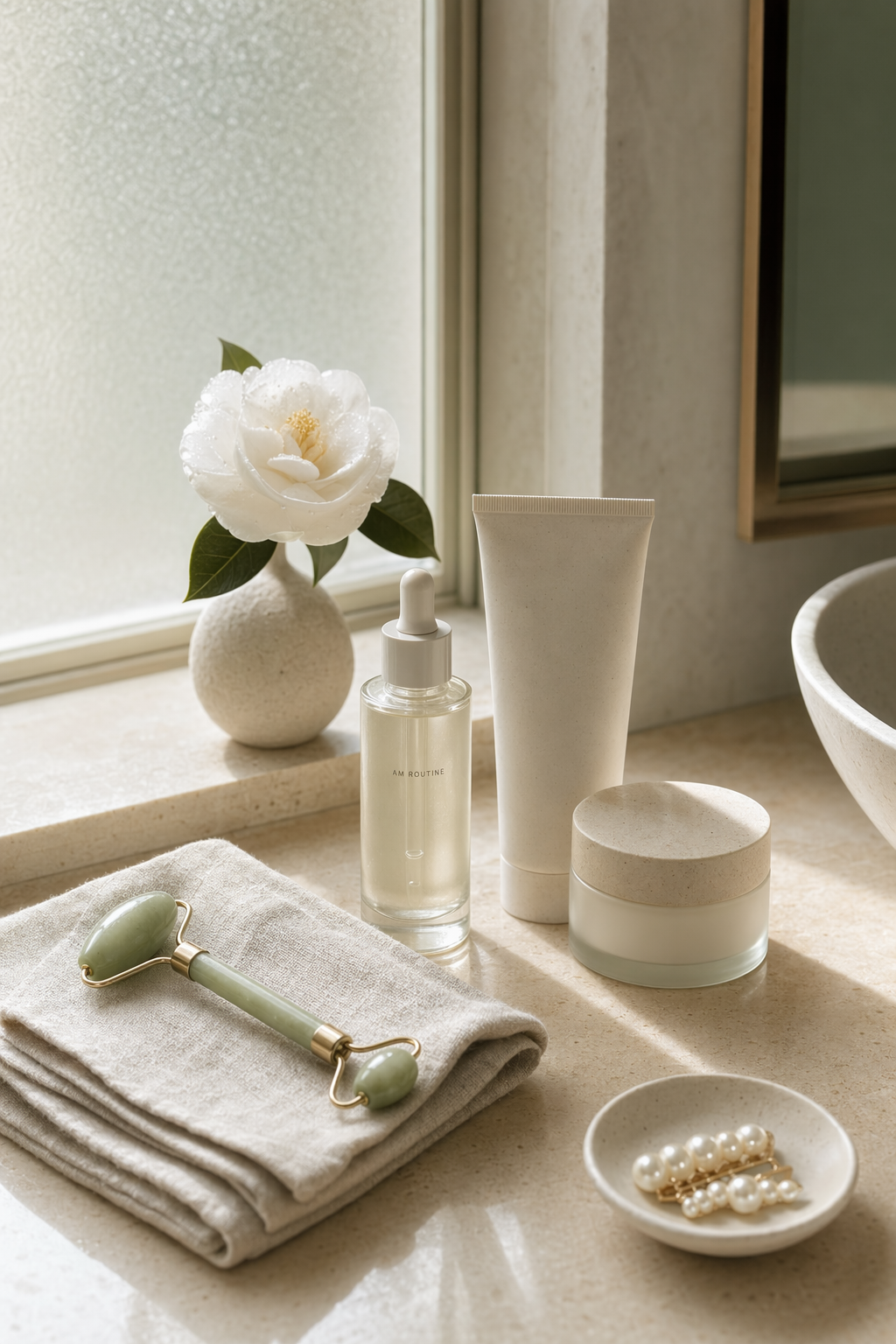
Turn this basic serum photo into a launch-ready product image on pale limestone, with soft morning light, botanical shadows, realistic glass reflections, and clean editorial styling.

AI product imagePolished AI product image for transformation example 1
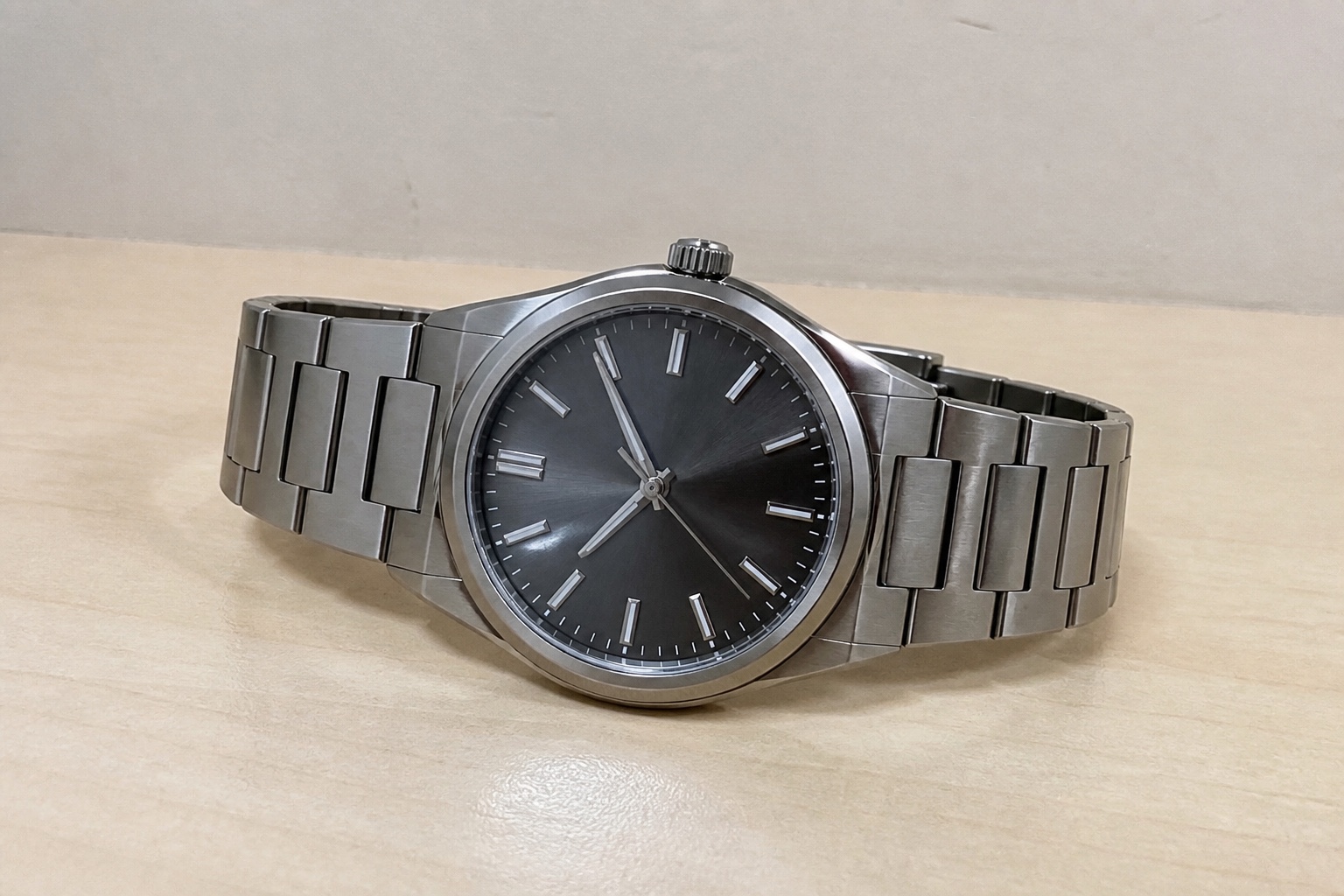
Original product photo for image transformation example 2
Original photo

Prompt

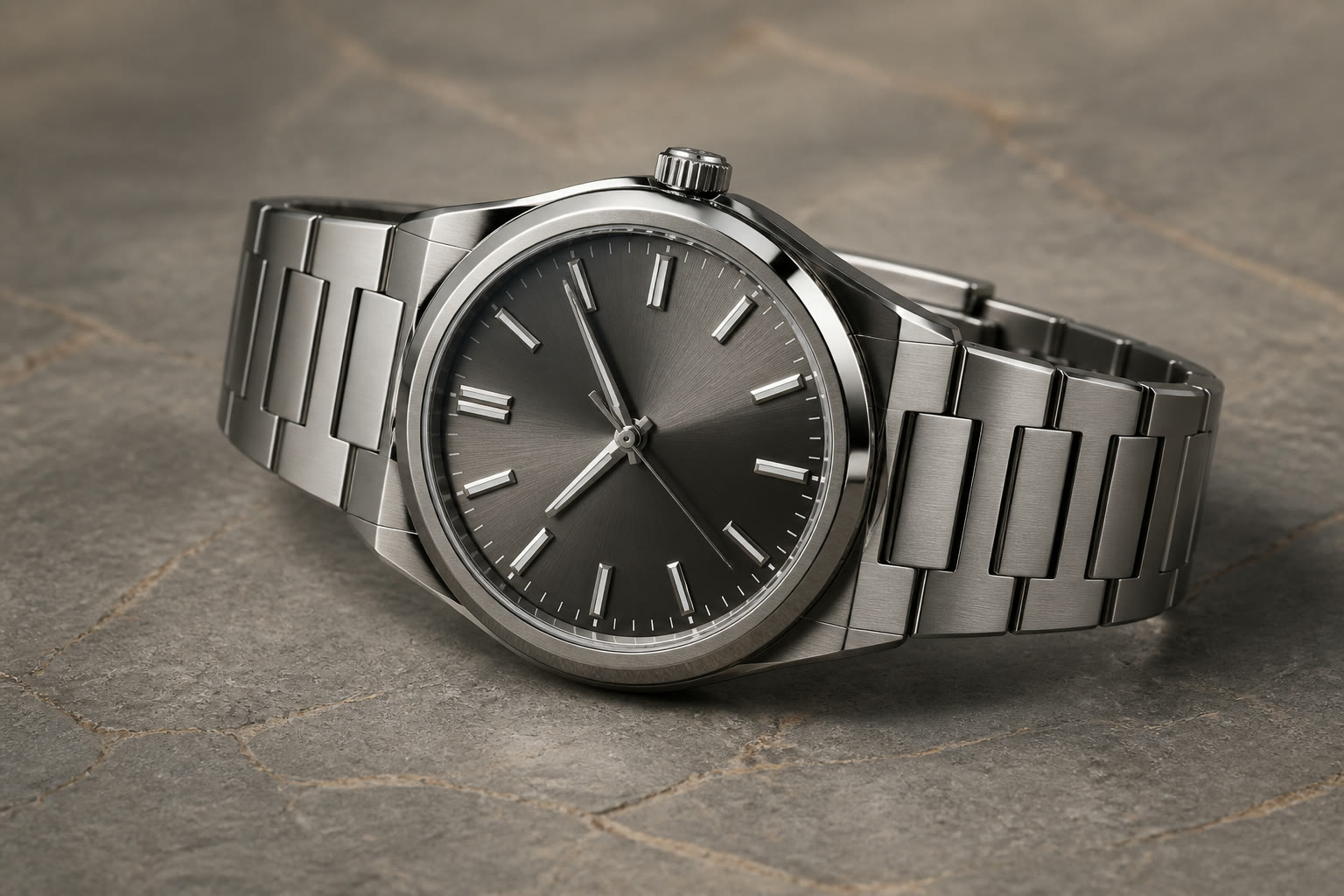
Turn this basic watch photo into a luxury catalog image on warm gray stone, with controlled studio lighting, crisp metal reflections, subtle shadows, and premium detail.

AI product imagePolished AI product image for transformation example 2
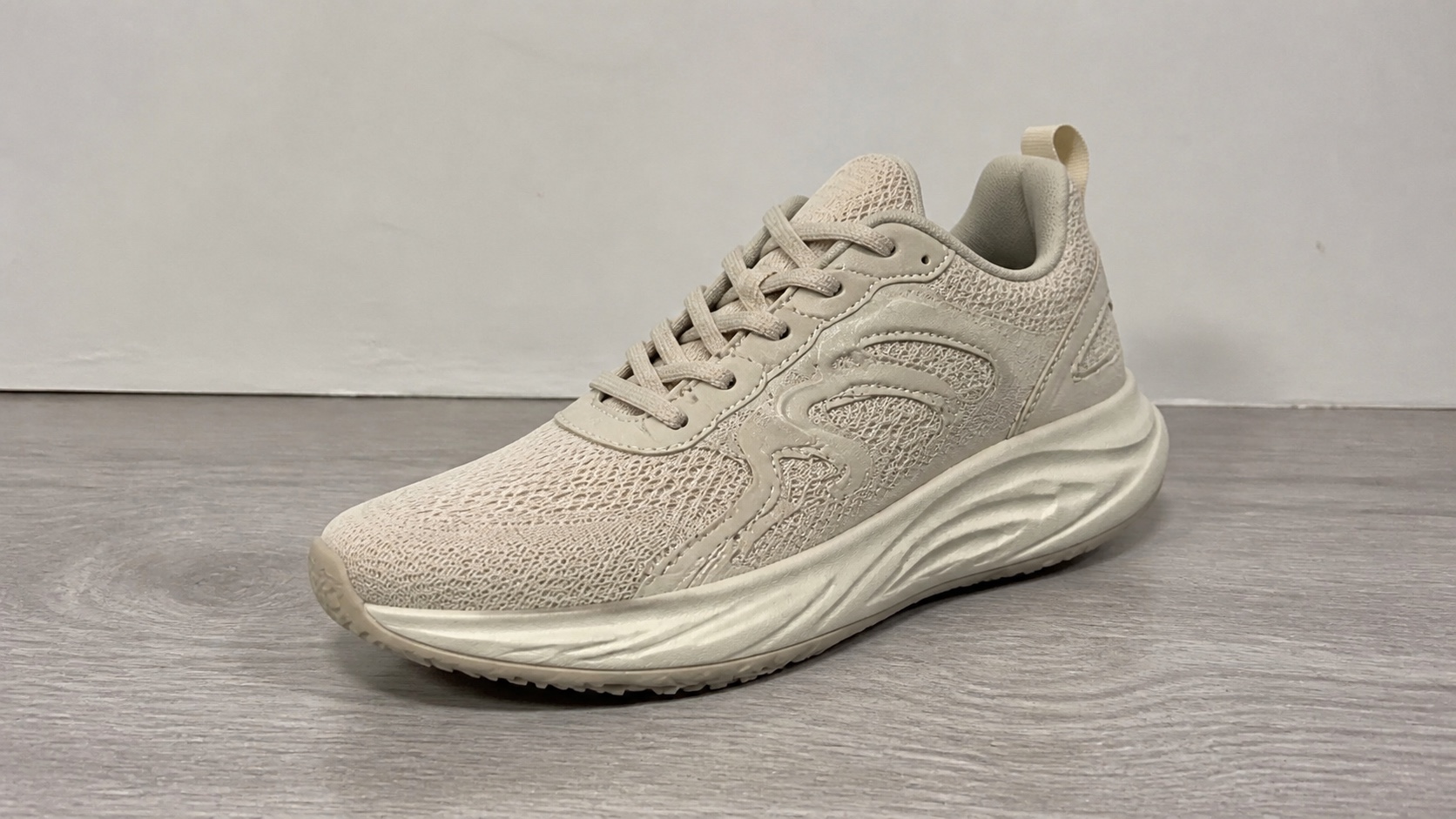
Original product photo for image transformation example 3
Original photo

Prompt

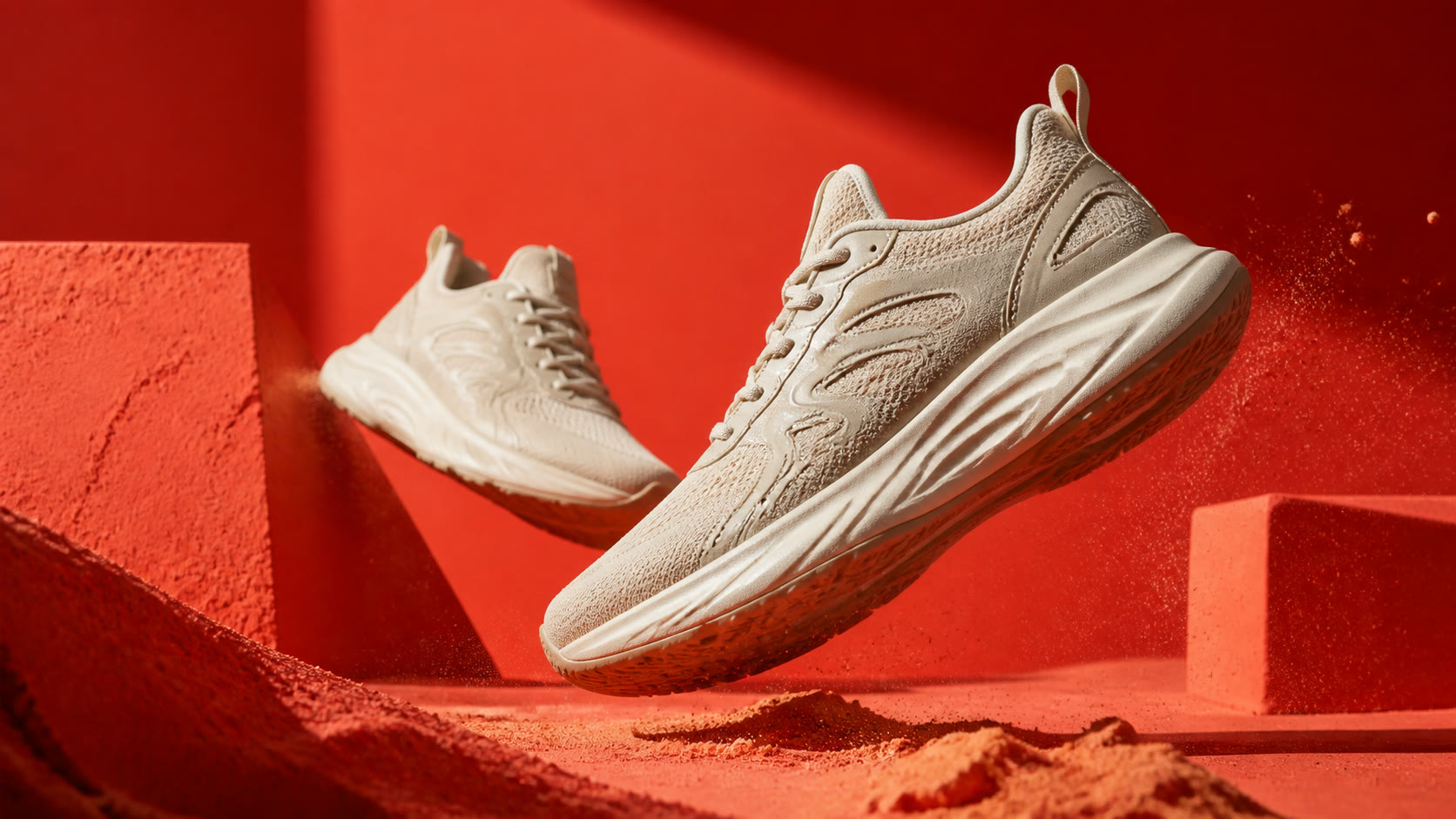
Turn this basic sneaker photo into a bold campaign image on a vivid coral set, with directional light, floating motion, sharp texture, geometric props, and airborne dust.

AI product imagePolished AI product image for transformation example 3
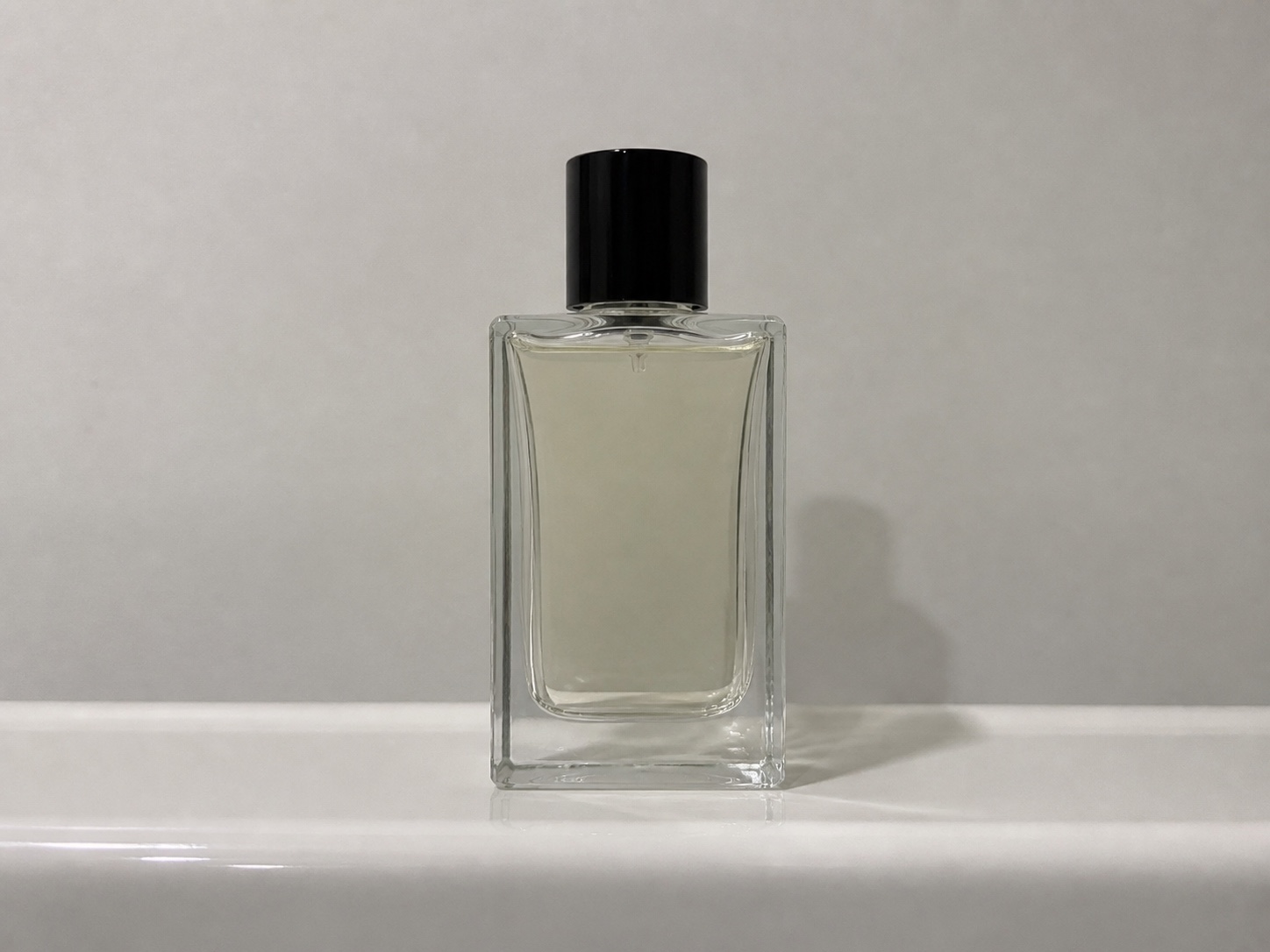
Original product photo for image transformation example 4
Original photo

Prompt

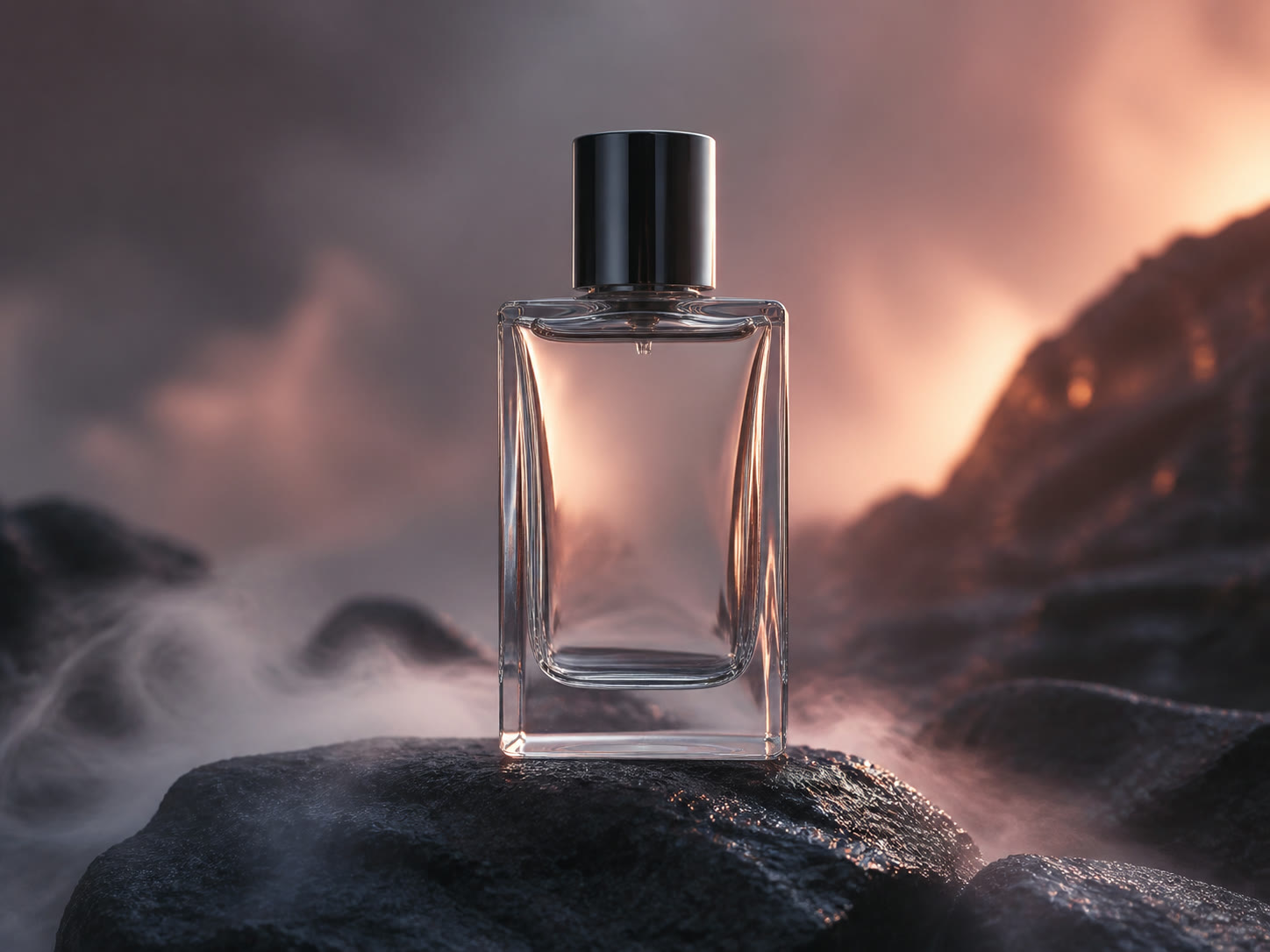
Turn this basic fragrance photo into a cinematic product image on dark volcanic rock, surrounded by ocean mist, with warm sunset backlight and polished glass reflections.

AI product imagePolished AI product image for transformation example 4
Original product photo for image transformation example 5
Original photo

Prompt

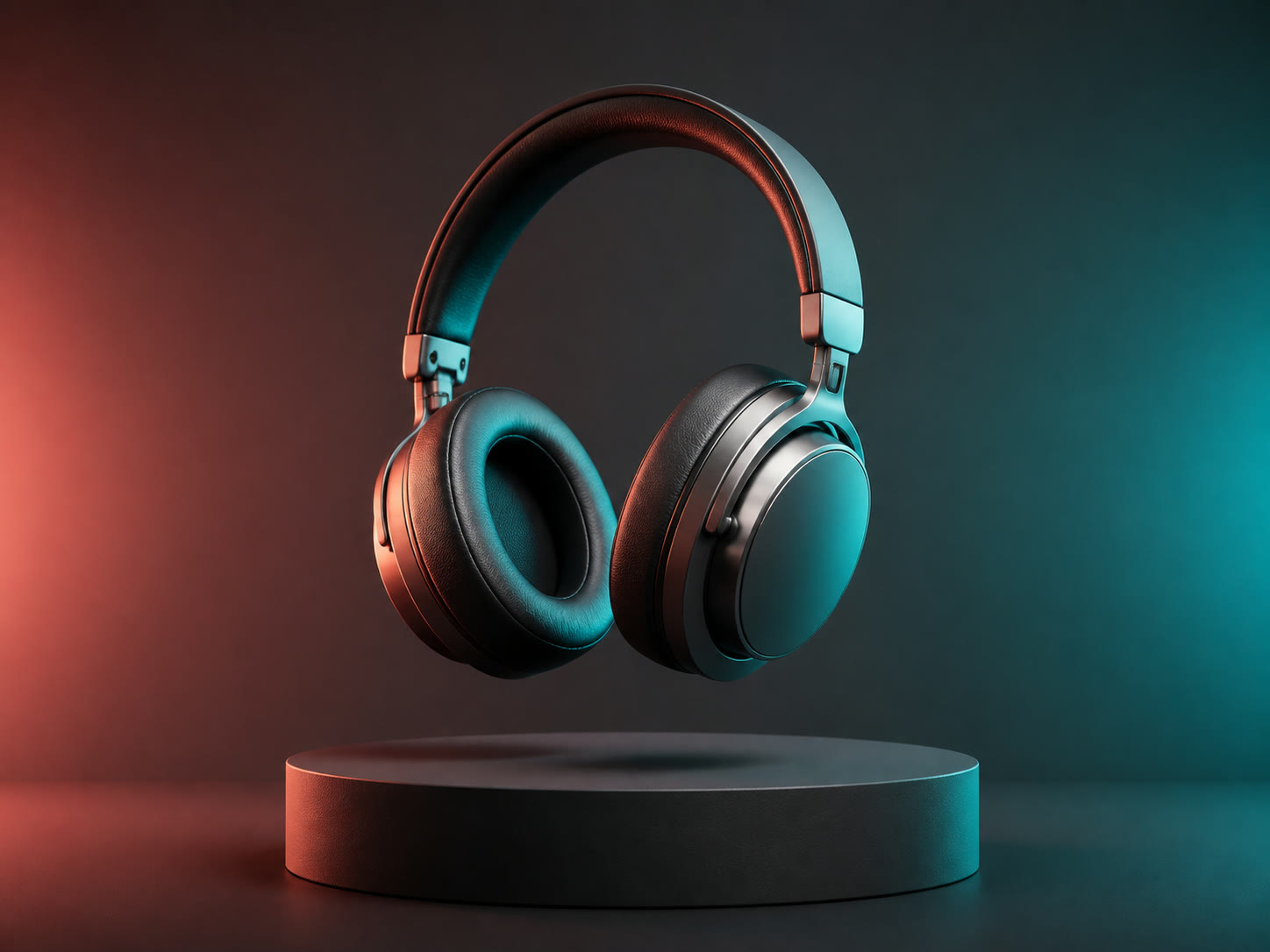
Turn this basic headphones photo into a premium studio image above a charcoal pedestal, with coral and teal rim light, controlled shadows, and polished material detail.

AI product imagePolished AI product image for transformation example 5

Build Product Images Around the Job

Product image used as visual support for optional references

Generate with or without Reference Photos

Start from a prompt alone, or add up to three product photos when the tool needs a clearer visual reference.

Add Product References
Product image used as visual support for creative direction

Describe the Scene You Need

Write the background, lighting, composition, and product presentation you want instead of adapting one fixed template.

Write a Product Prompt
Product image used as visual support for output settings

Choose the Format and Resolution

Select an aspect ratio and 1K, 2K, or 4K resolution, then preview and download a successful result from My work.

Create a Product Image

Product Visuals for Every Selling Moment

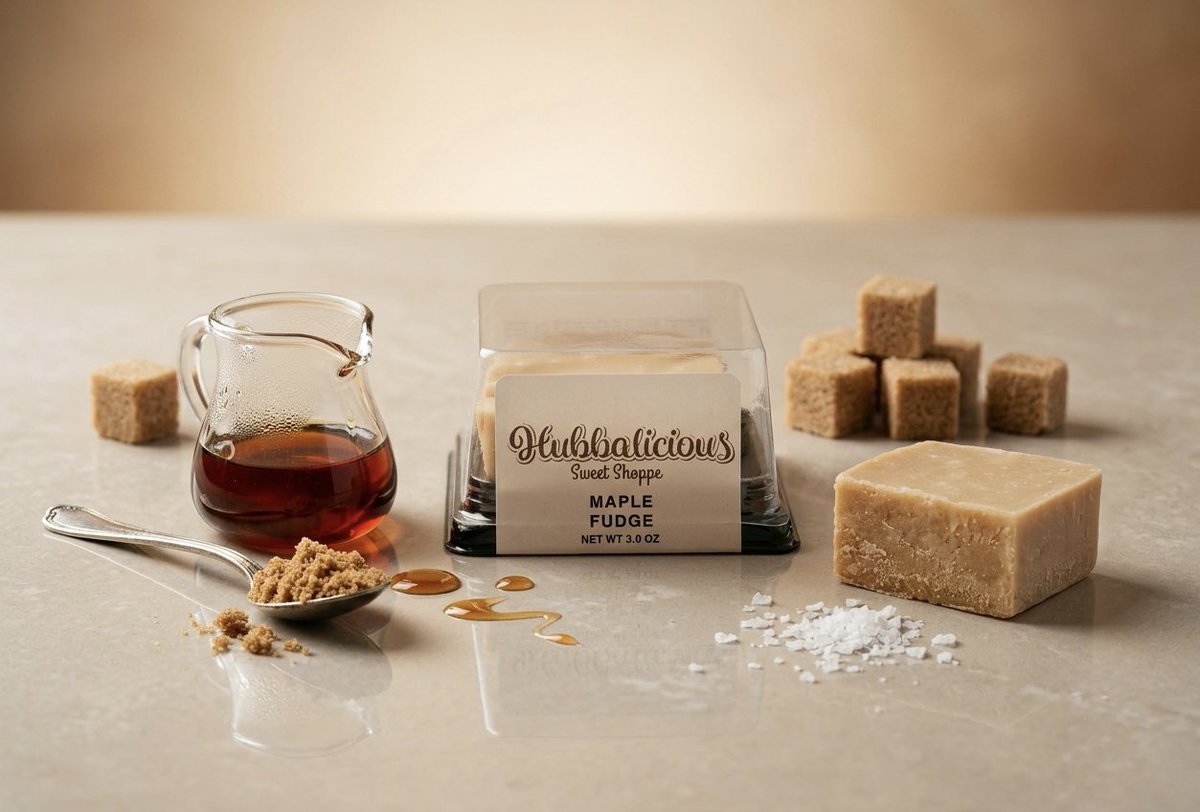
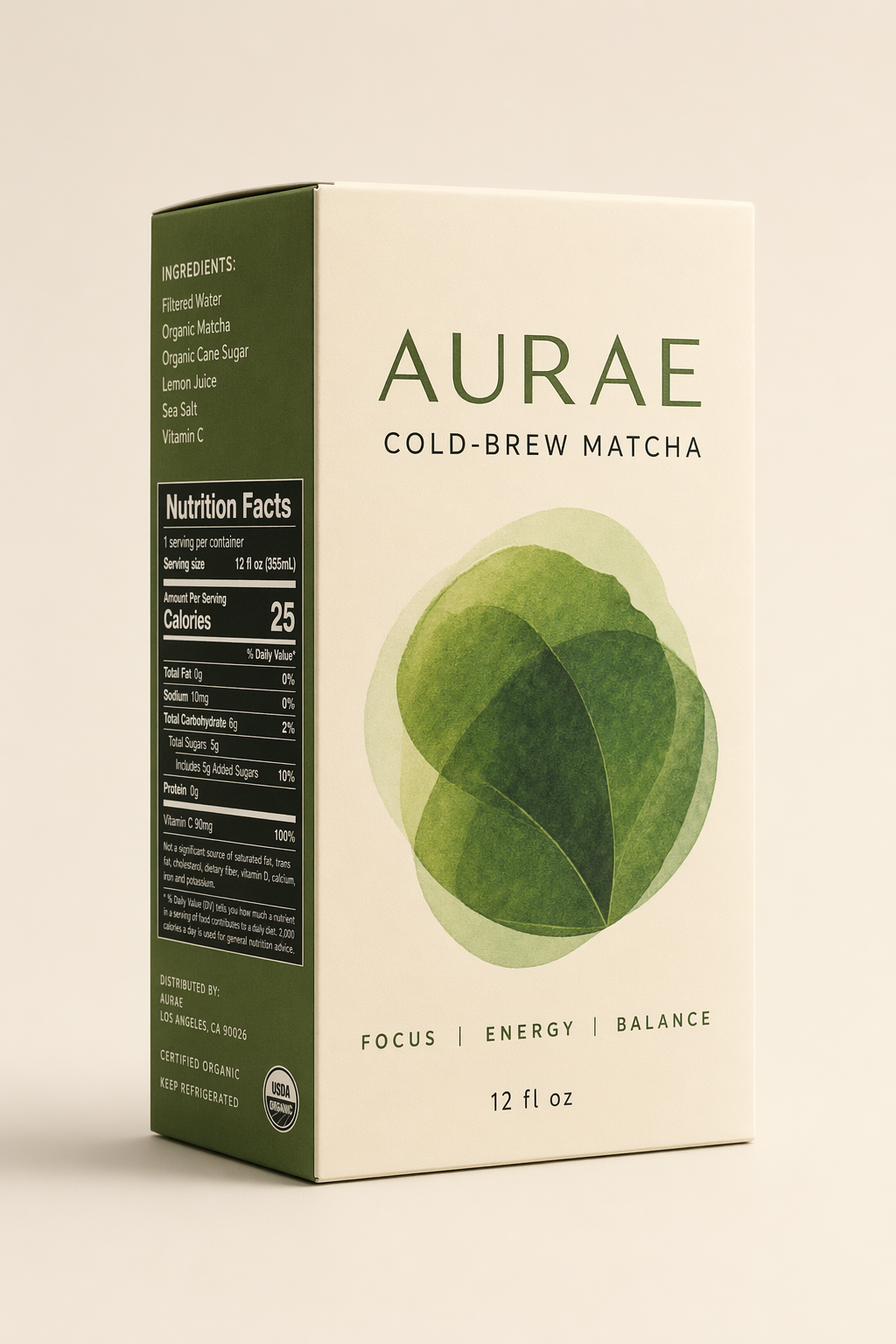
Product visual prepared for an ecommerce catalog

Expand a Product Catalog

Create additional product presentations for listings that need a cleaner scene, a different crop, or a new visual direction.

How to Create an AI Product Image

Start Creating

Add Optional Product Photos

Upload up to three supported references, or begin from the prompt alone.

Describe the Product Visual

Write the scene and presentation, then choose the aspect ratio and resolution.

Generate and Download

Start the task, follow its progress, and download the completed product image.

AI Product Image Generator FAQ

Realistic AI brand mark

Create Your Next Product Image

Add optional reference photos, describe the scene, and choose the output settings for the product visual you need.

Start a Product Image