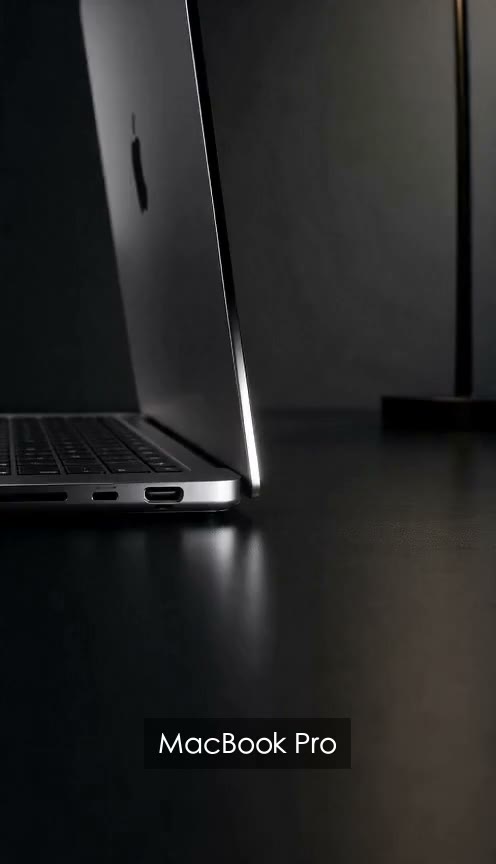
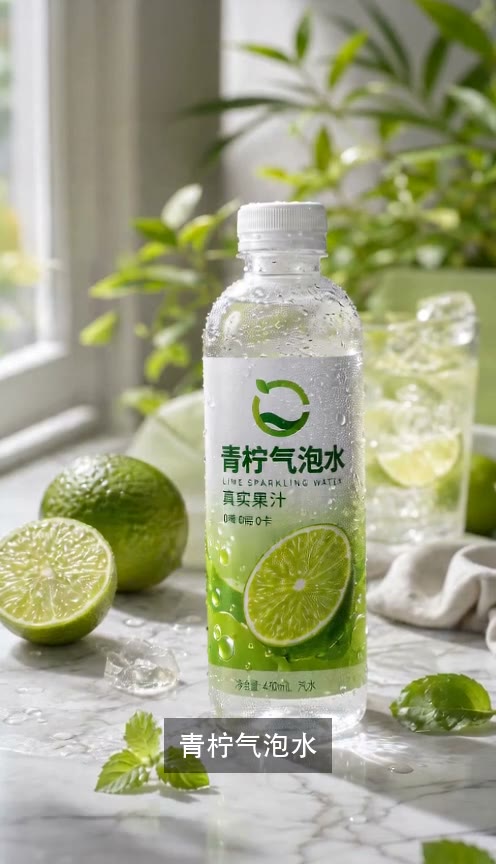
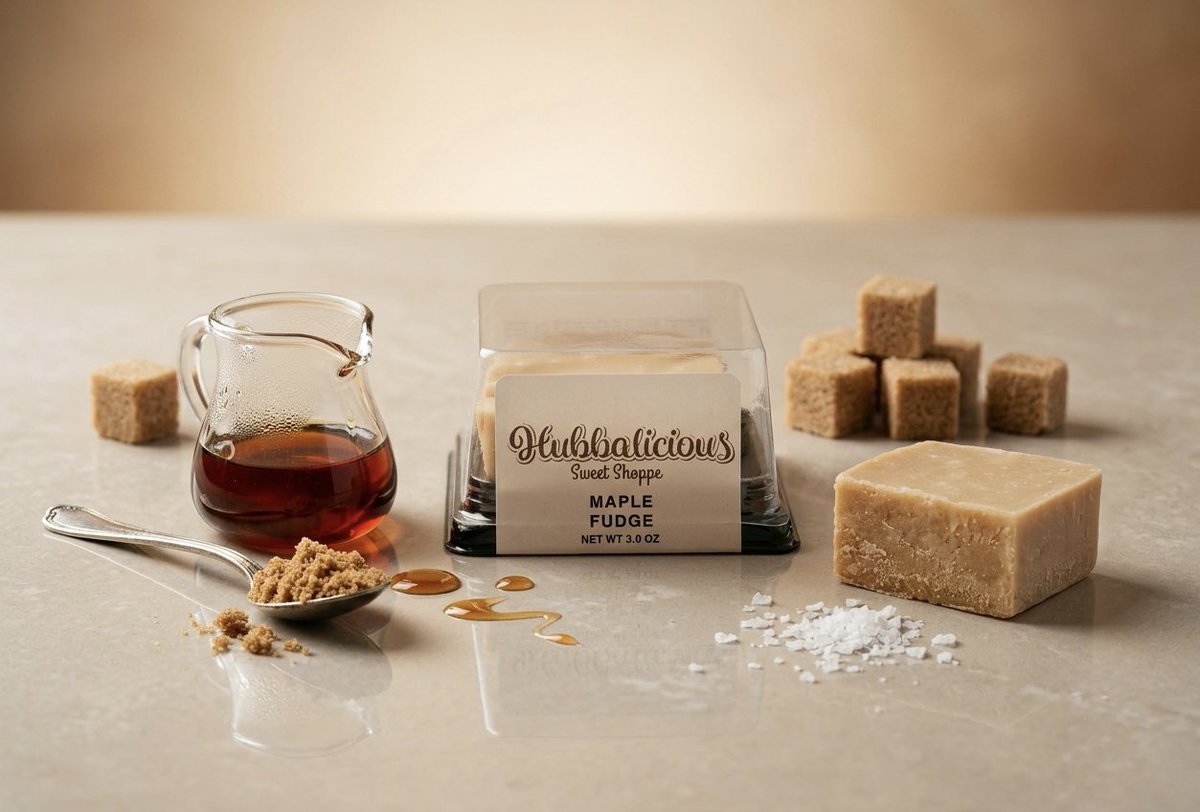
Prompt
Template 1 of 3Reveal the black rose serum bottle with a slow camera push, soft reflections, and close-up details that keep the label readable.
Turn one product photo into a short video. Describe the motion, choose your format, and preview a clip for your product page or next campaign.
Give existing photography another use. The AI product video generator starts from one packshot, lifestyle image, or close-up. Choose a view that clearly shows the shape, color, and packaging you want to feature.
Upload Your Product
Use a prompt to guide the camera, product movement, and lighting. A bottle can stay upright while the camera moves closer. The AI product video maker lets you pair that direction with your chosen frame and duration.
Set Up Your Video
Preview successful clips in My work and compare labels, colors, and shapes with your source photo. Download the version you want, then add campaign captions or graphics in your usual editor.
Create a Product VideoFor e-commerce teams, a close-up can draw attention to glass texture or packaging. Start from your product photo and describe a gentle camera move to create a companion to your listing images.
Add one JPG, PNG, or WebP image up to 10 MB. Choose a sharp photo with the product clearly visible.
Write a motion prompt, then choose aspect ratio, duration, resolution, and optional audio. Focus on one main movement.
Follow progress in My work. Preview the successful clip, check product details, and download it for your campaign.
An AI product video generator combines a product photo with a written motion prompt to create a short clip. Use it when you already have product photography and need moving visuals for a listing, launch, or campaign. The output is an individual shot you can download and include in a wider edit; the tool is not a full timeline editor.
Describe what the viewer should see. For example: "Slowly move the camera closer to the skincare bottle. Keep the bottle upright and centered while soft light travels across the glass. Keep the background still." Adapt the subject to your photo and separate camera movement from product movement. Prompts can contain up to 2,000 characters. If a shot feels busy, simplify it to one action.
Choose a clear front or angled view that already shows the details you want to feature. Leave enough space around the product for your planned frame. The AI product video maker accepts one JPG, PNG, or WebP image up to 10 MB. Small lettering, reflective surfaces, and patterned packaging deserve a close check in the finished clip; the prompt cannot verify details hidden in the source.
Choose 16:9 for a wide composition, 9:16 for vertical viewing, or 1:1 for a square placement. The AI product video generator supports 5, 10, or 15 seconds at 480p or 720p. Match the duration to the movement: a quick push-in needs less time than a gradual reveal. Each task creates one chosen format, so check your destination requirements before generating.
Yes. Enable Generate audio before starting, or leave it off if you plan to use an existing soundtrack. Listen to the finished clip with the picture to judge whether they work together. Specific narration, music arrangements, captions, and branded graphics can be added in your editing workflow after download.
The workspace can restore the current generation task after a refresh and continue checking its status. Return to My work before submitting the same idea again. Once the task succeeds, preview and download the video. Task restoration is not a promise of permanent file storage, so save a local copy of clips you want to keep.
Upload one photo to the AI product video generator and describe the shot you want to create.
Create Your Product Video